I attended a day long introduction to visual editing using Photoshop and a video editing program called Premiere.
PHOTOSHOP
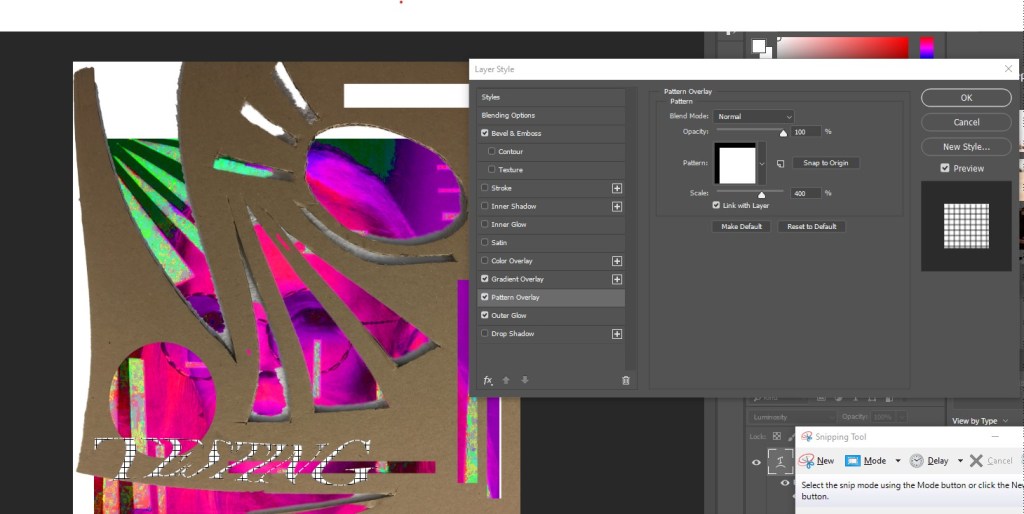
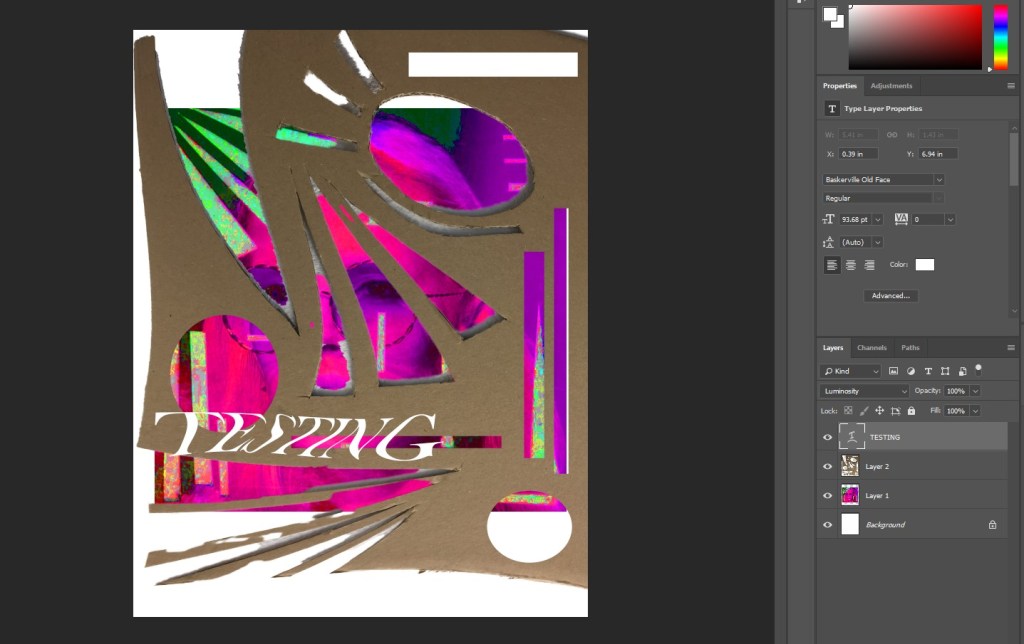
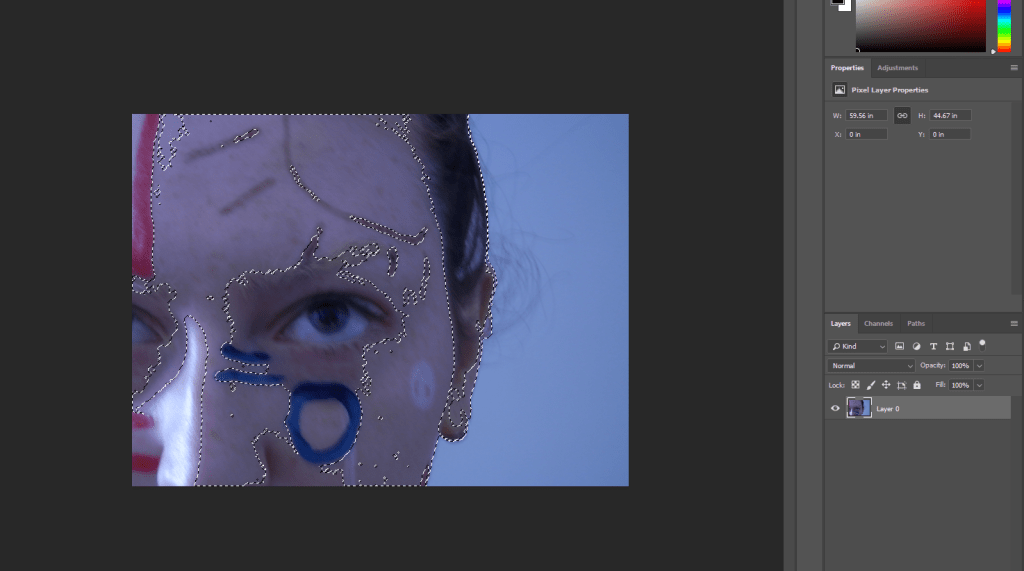
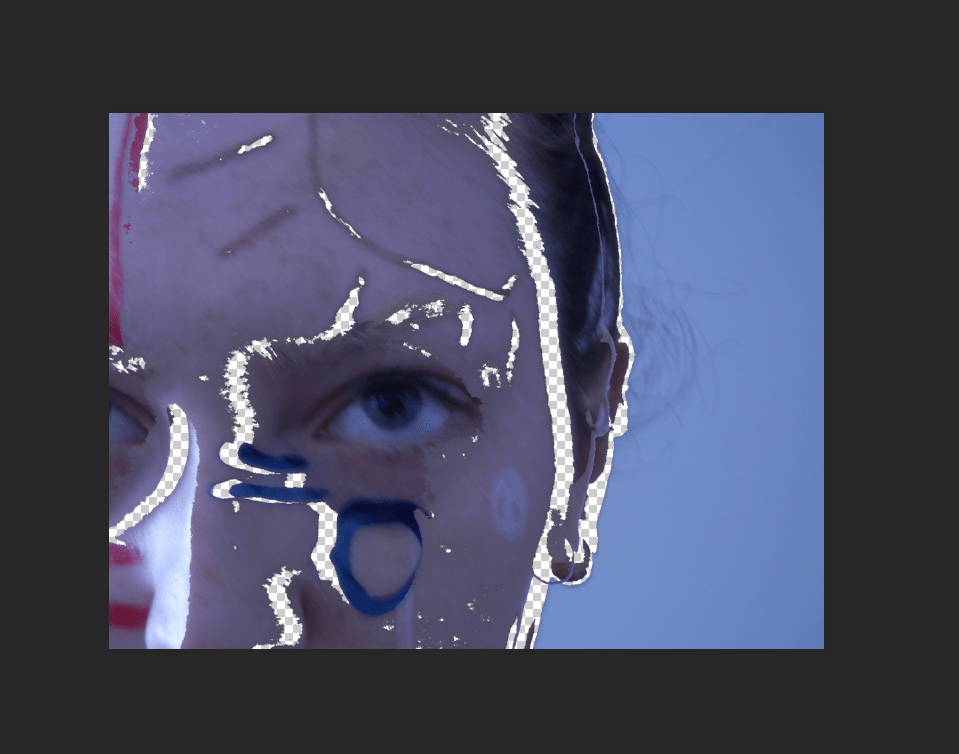
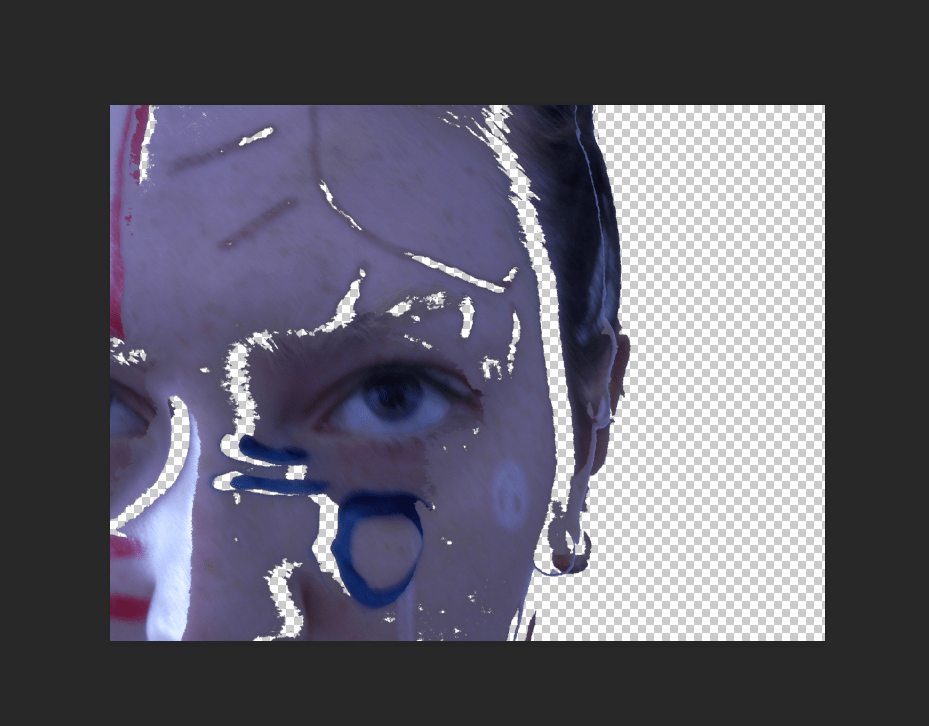
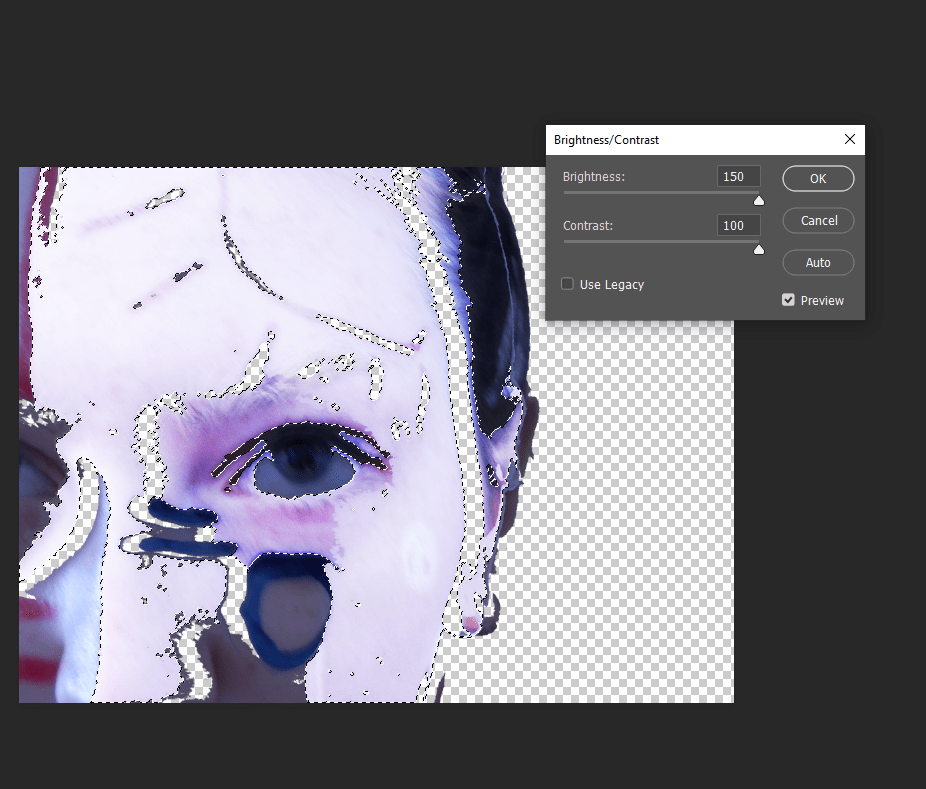
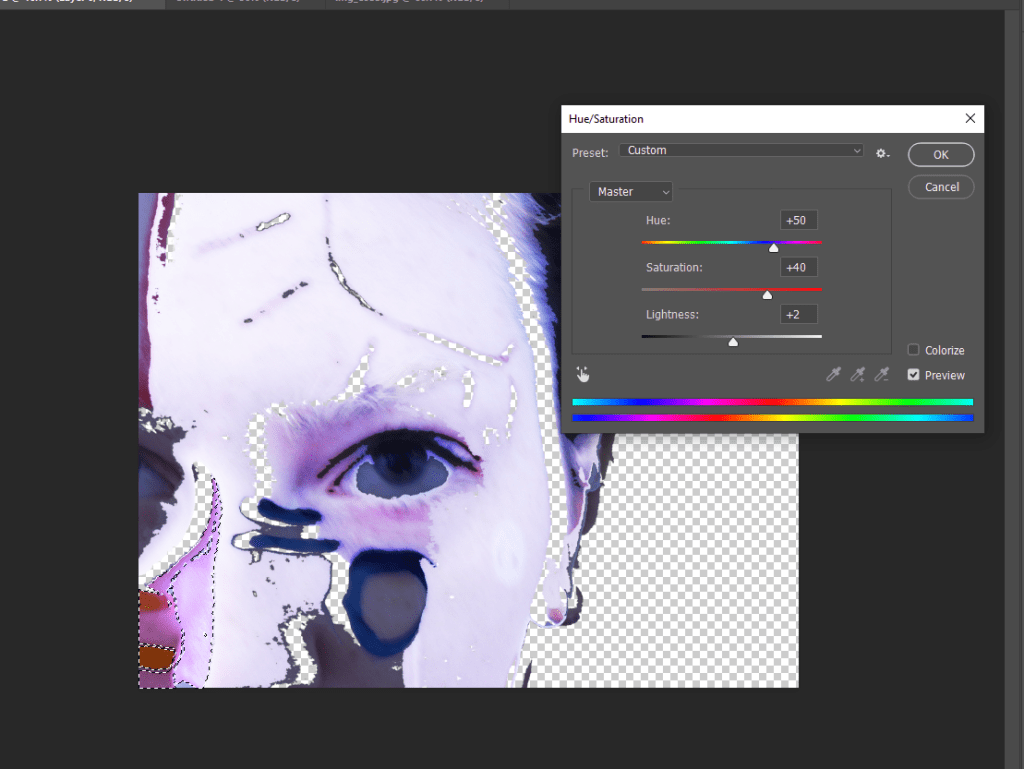
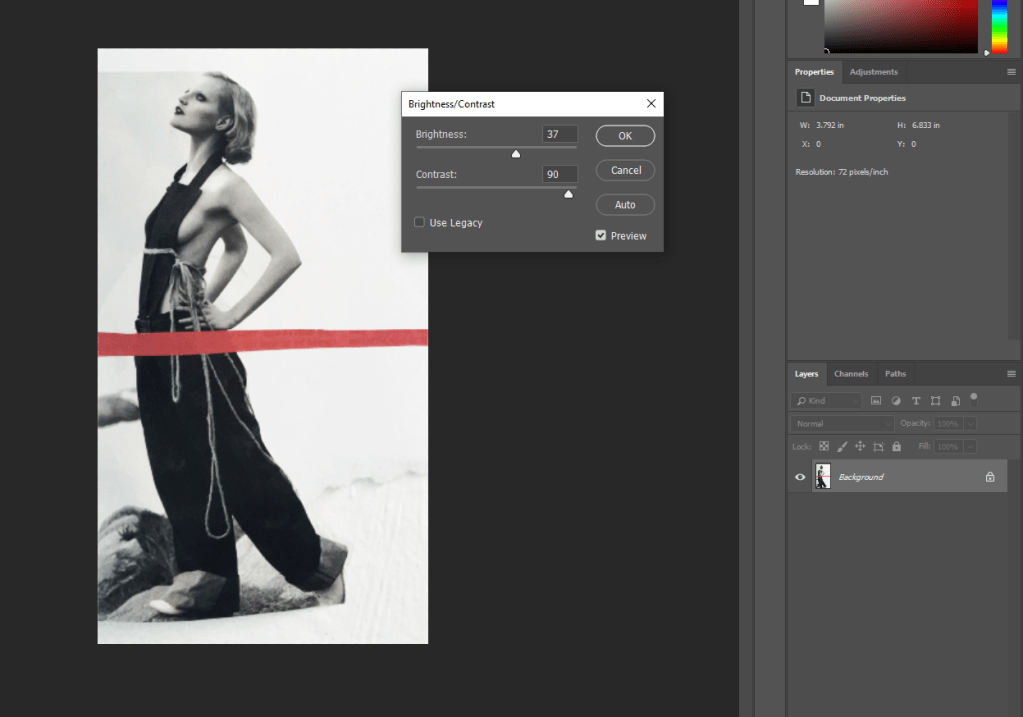
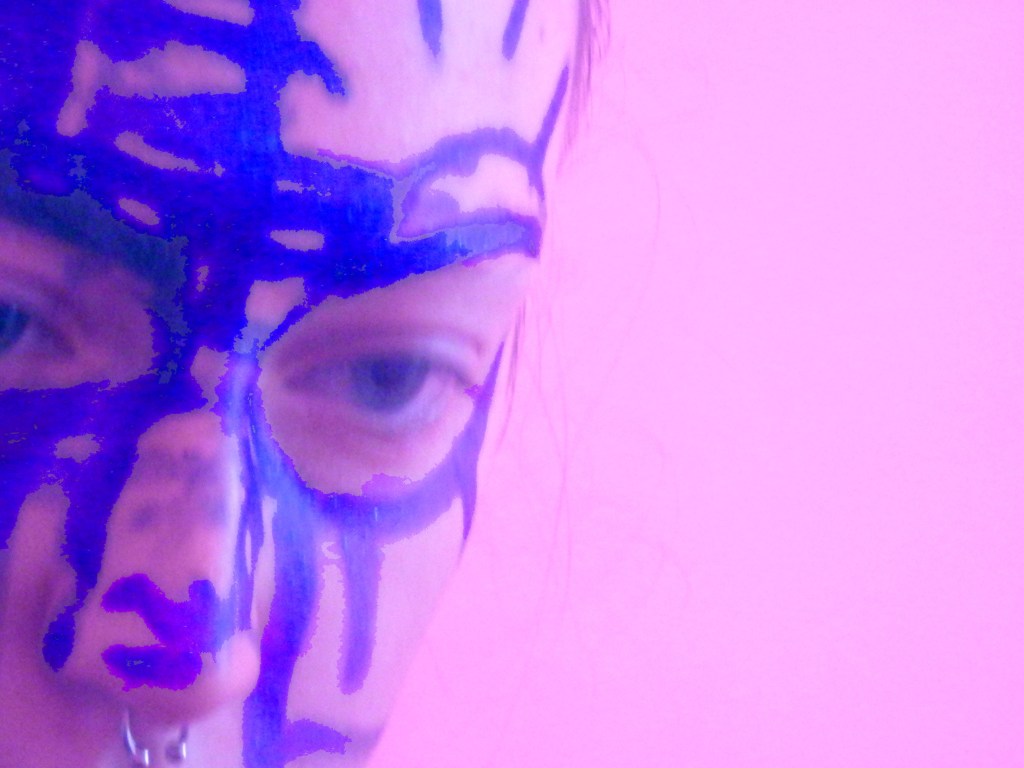
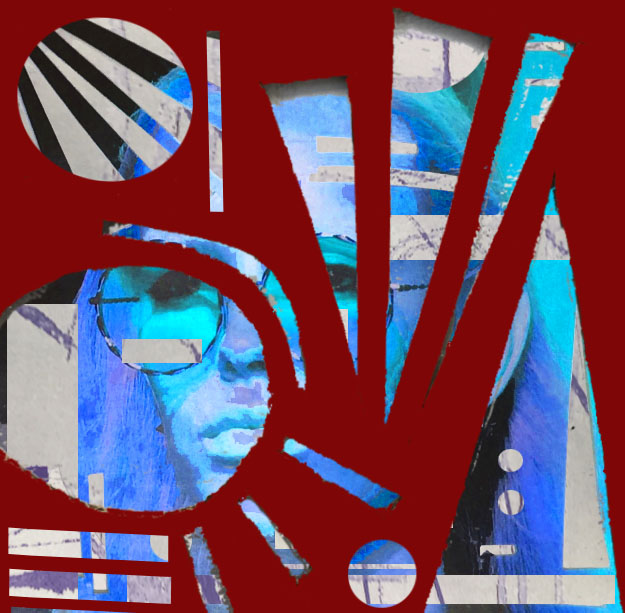
Adjusting the Brightness/Contrast as I felt my image was too dull. 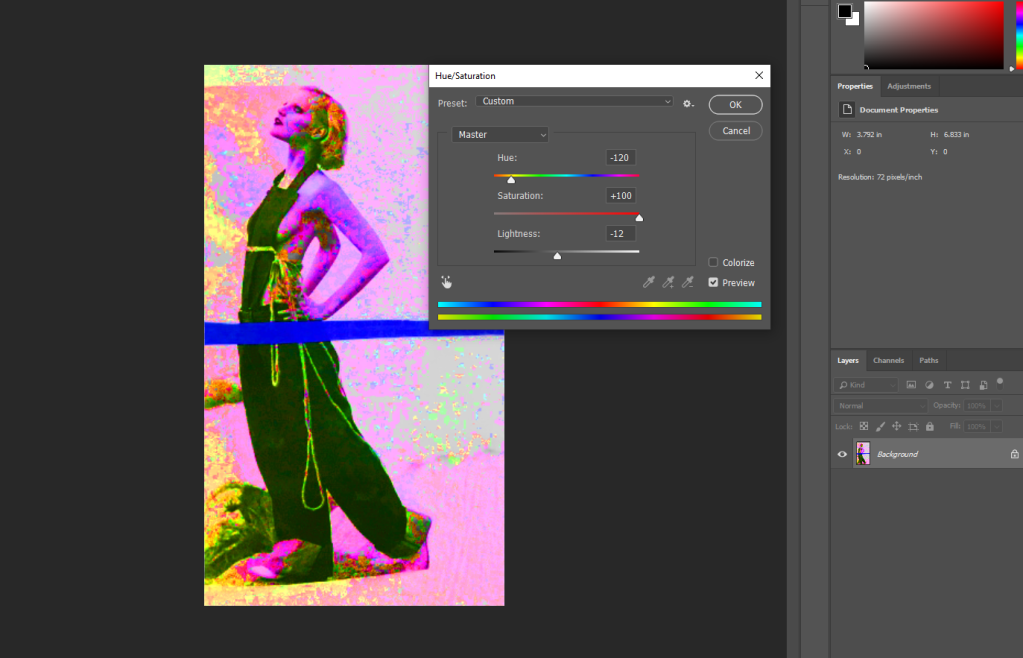
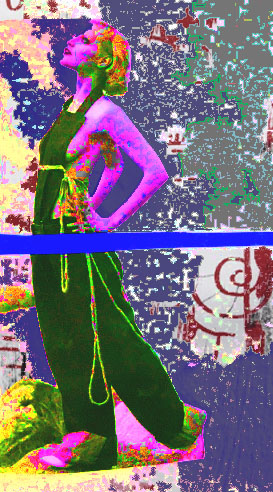
Turning up the saturation to give a gritty and acid/washed out look. 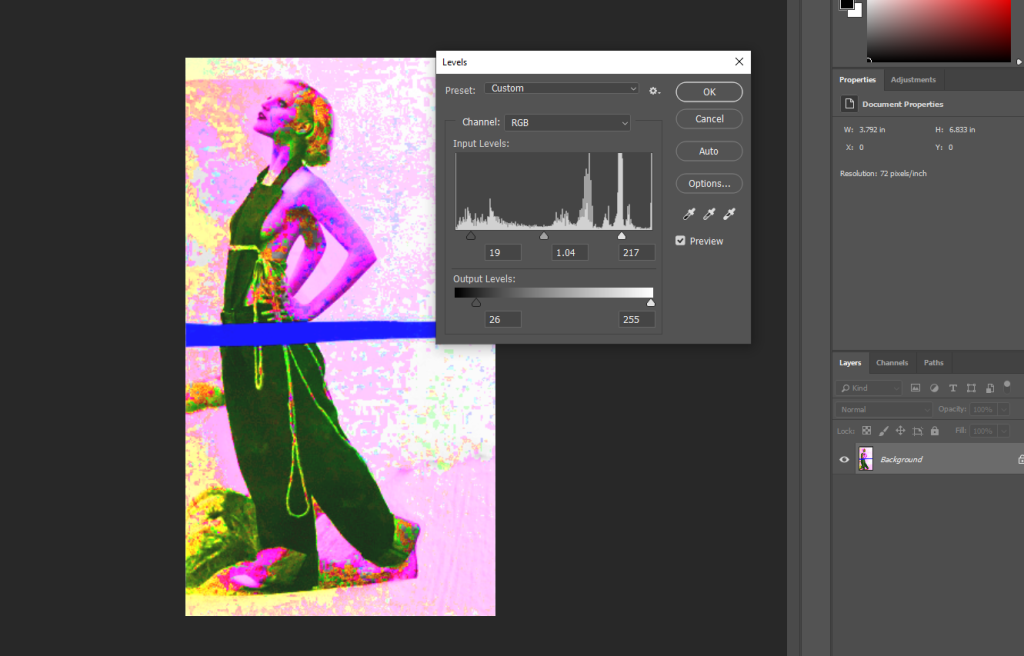

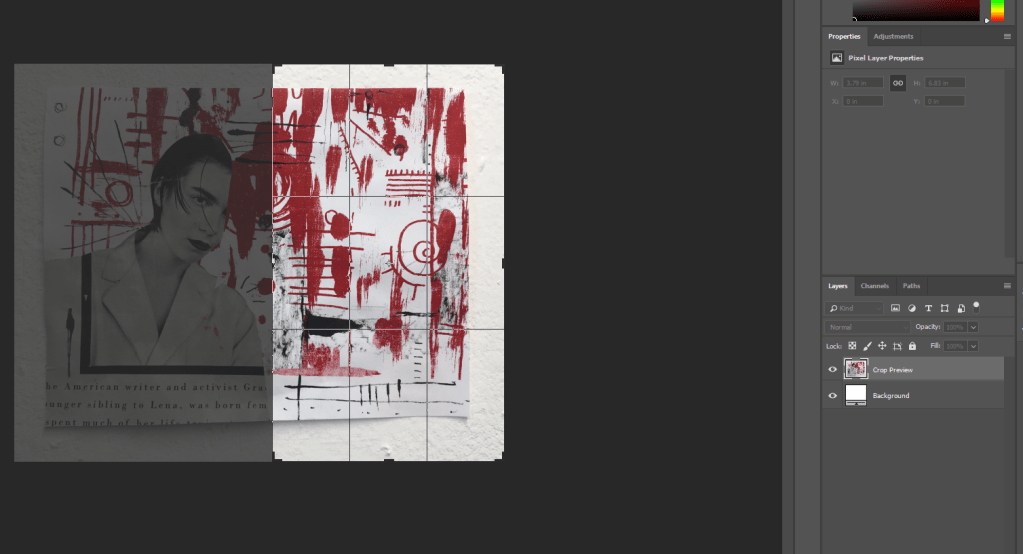
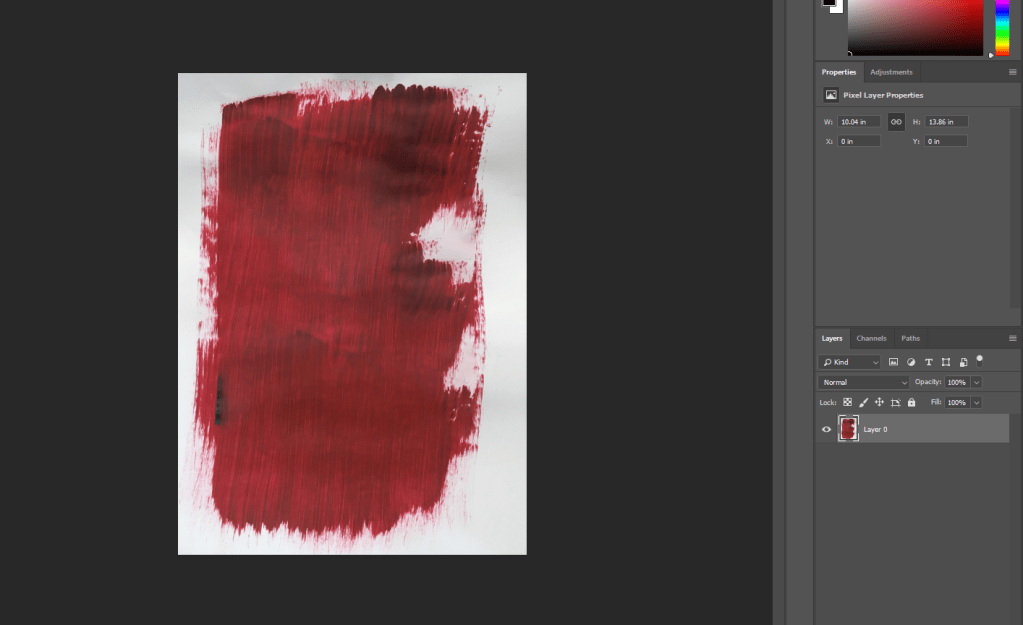
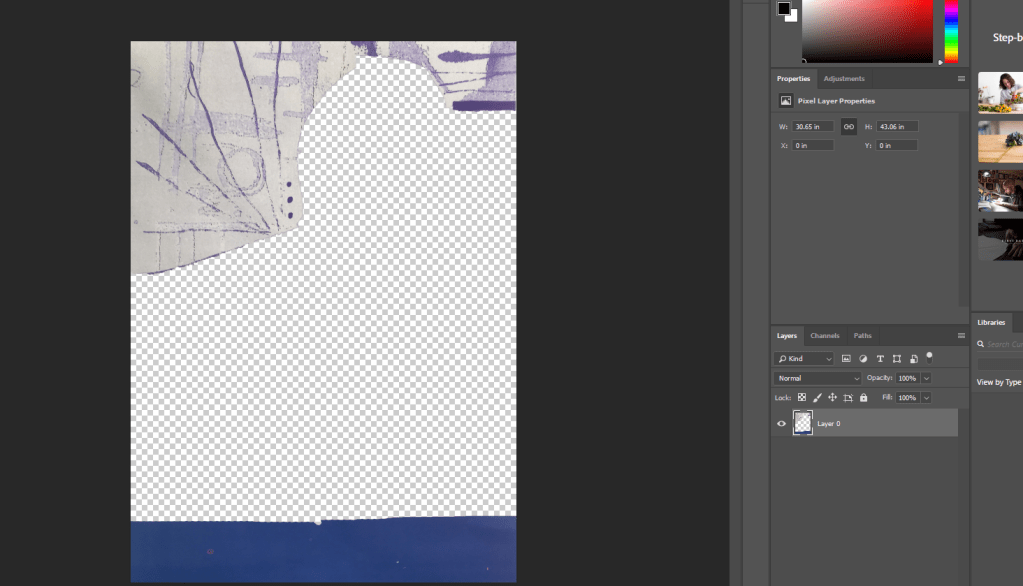
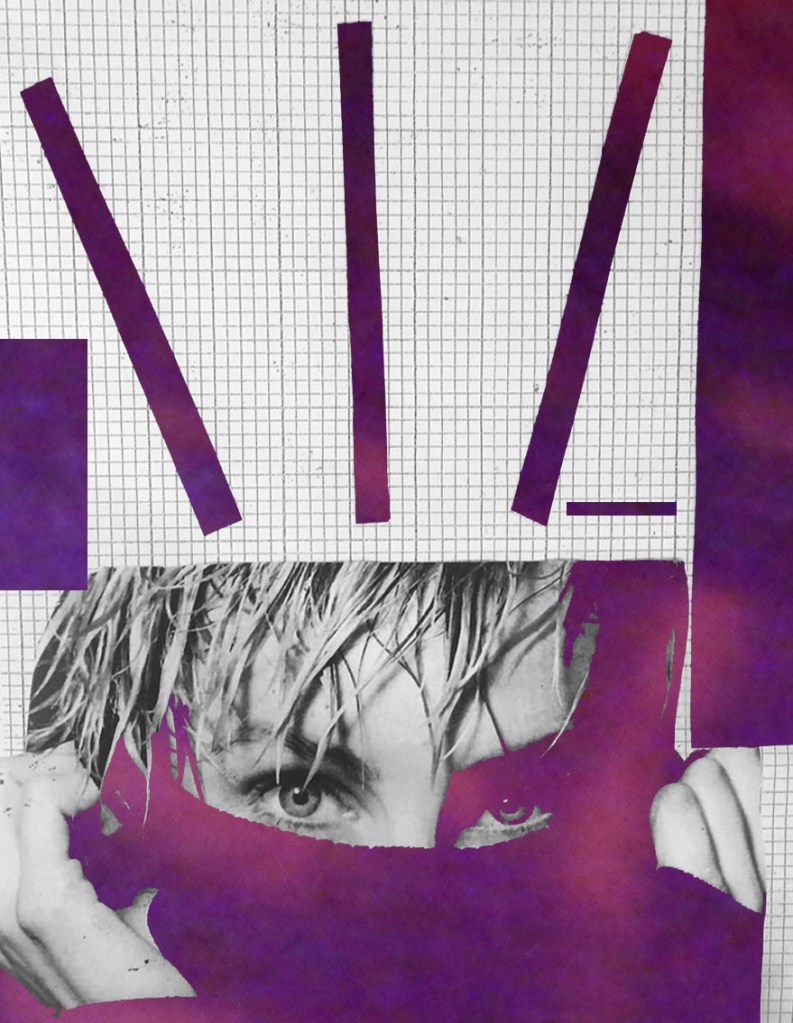
Cropping a photograph of my 2D collage work to use in the background of my image. 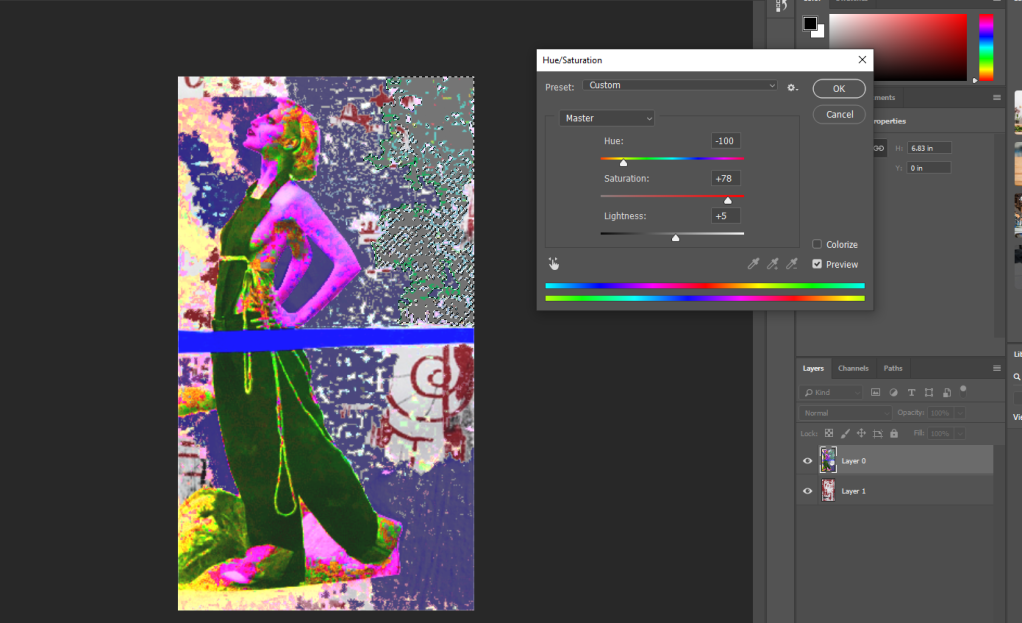
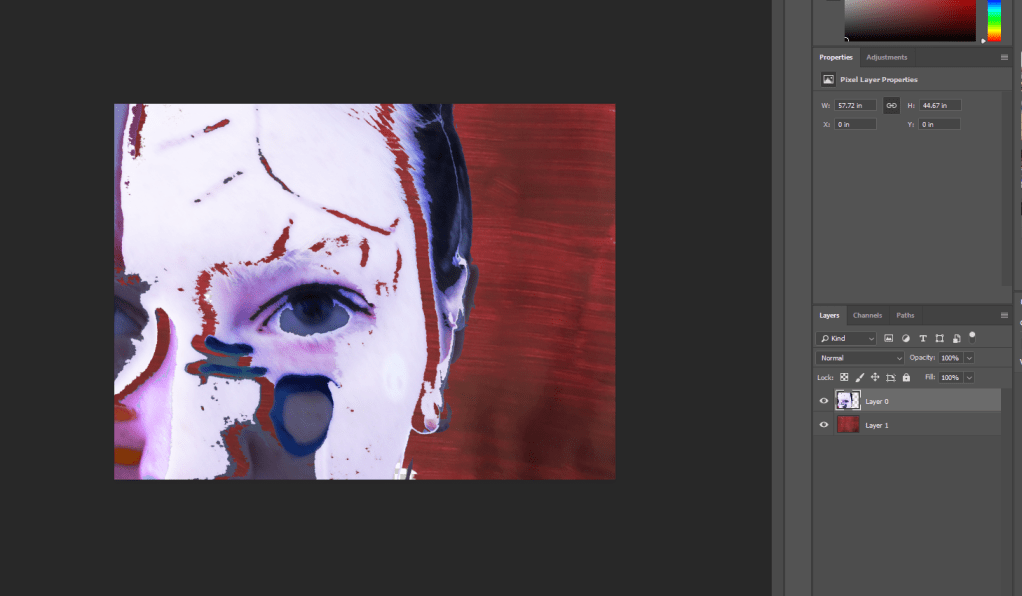
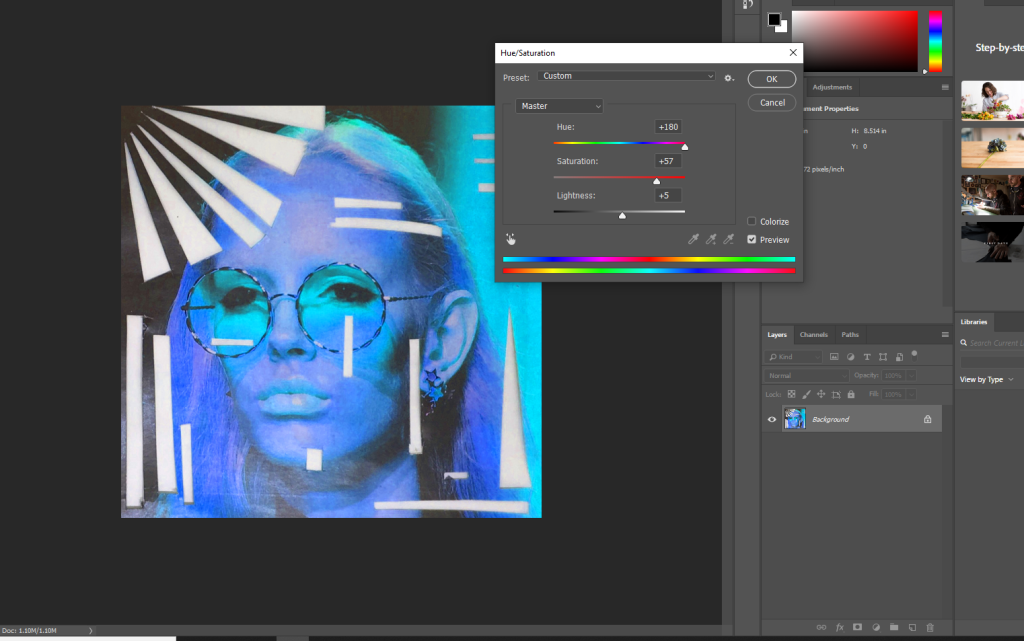
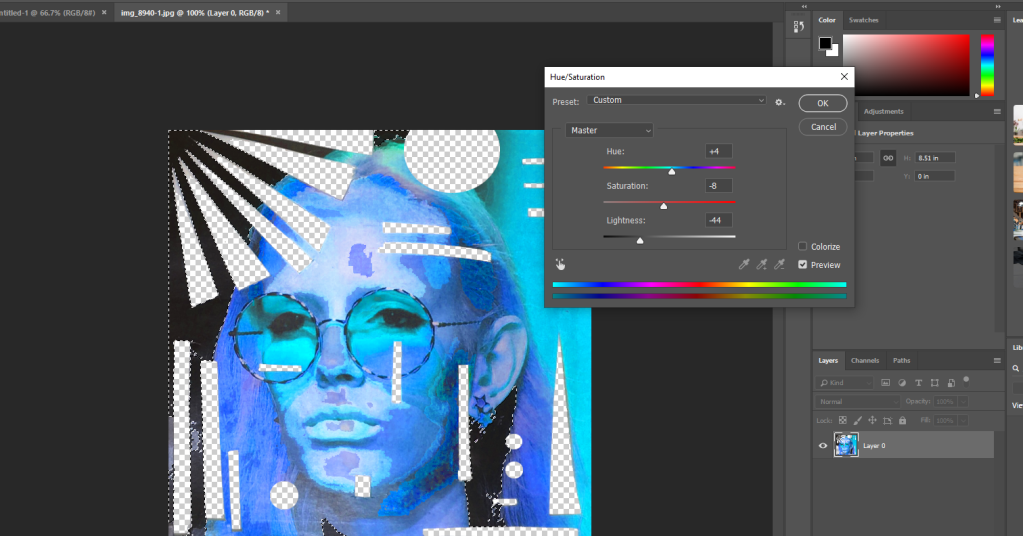
Layered 2D collage image in the background to link more to my 2D work. Adjusting the Hue/Saturation again of the top right corner section as I was unhappy with its colour.
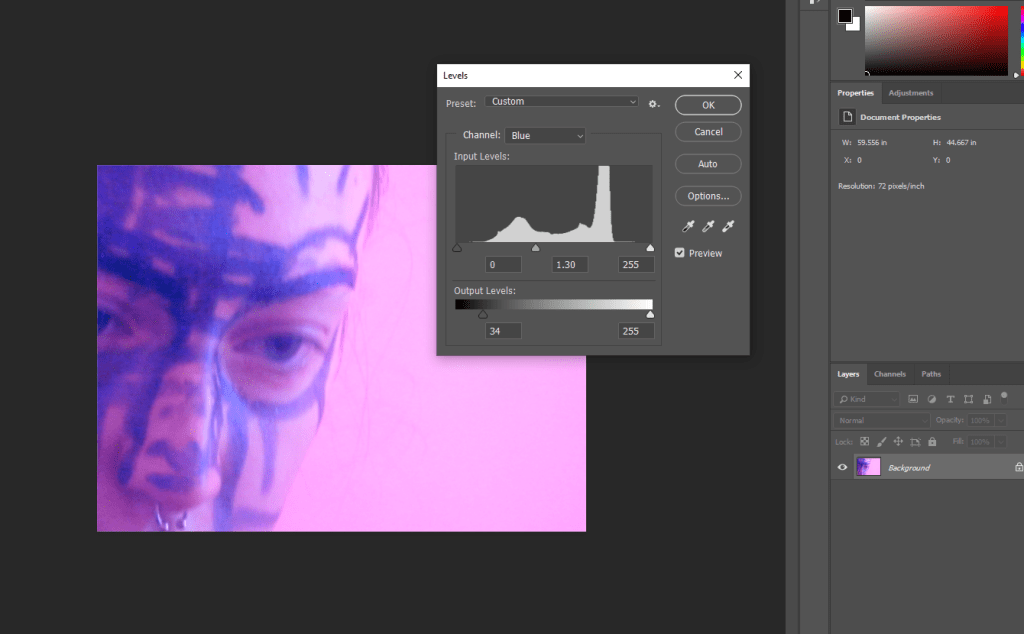
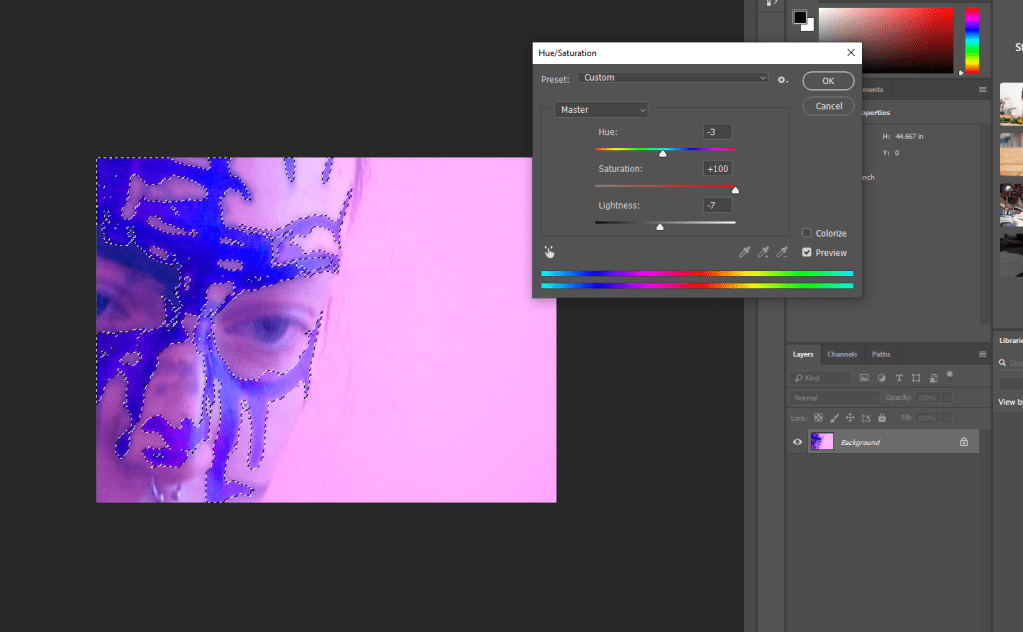
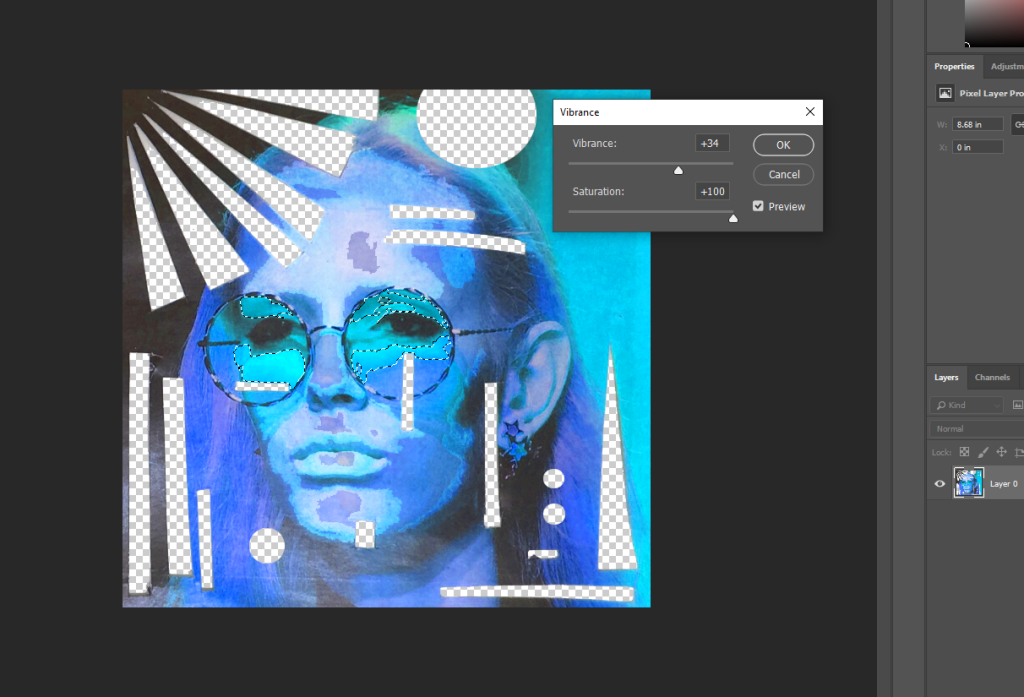
Adjusting the Saturation to make the blue pattern stand out more and look more interesting.
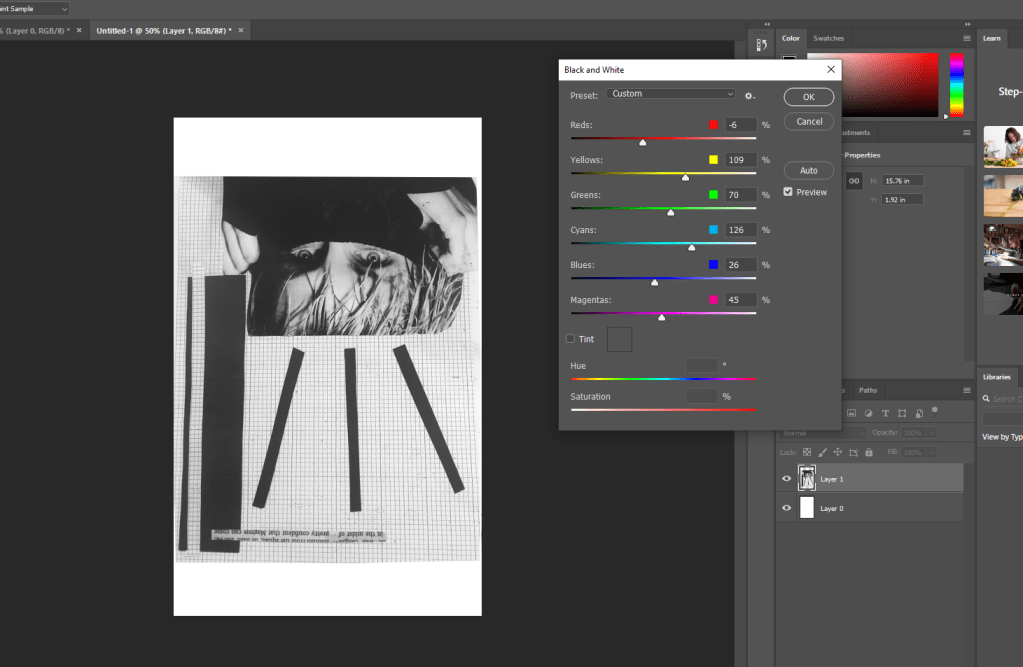
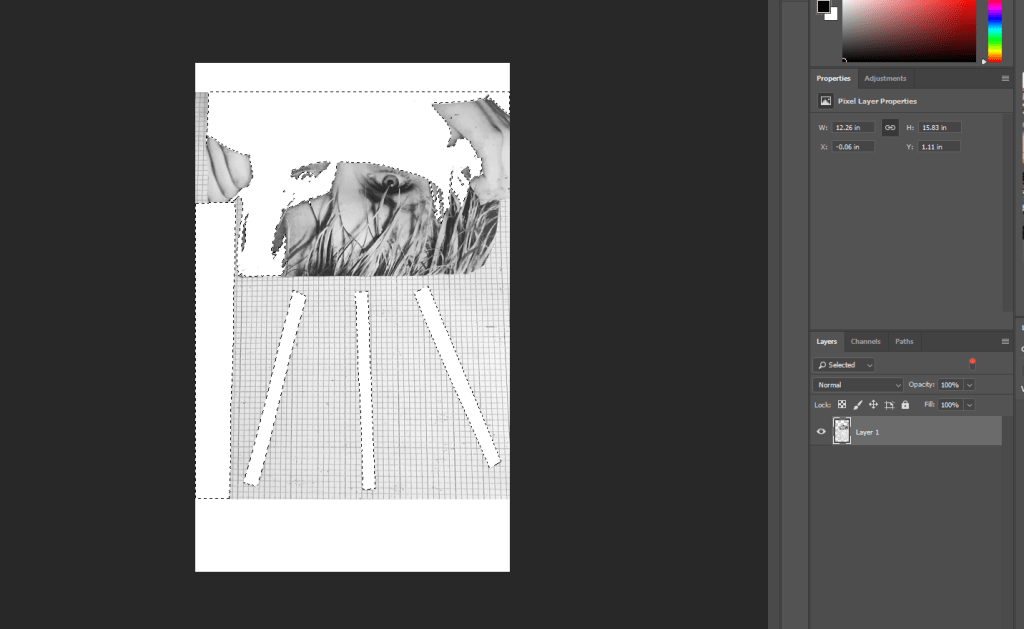
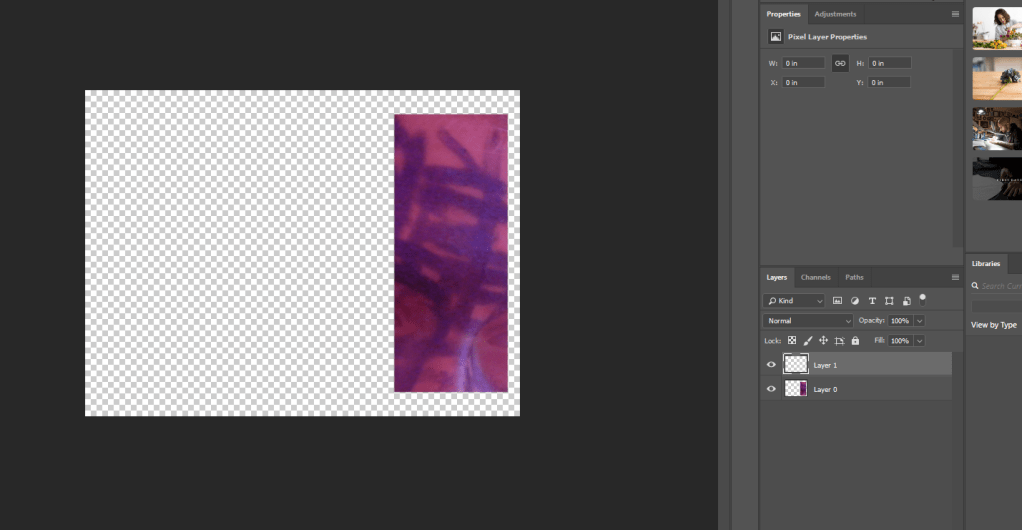
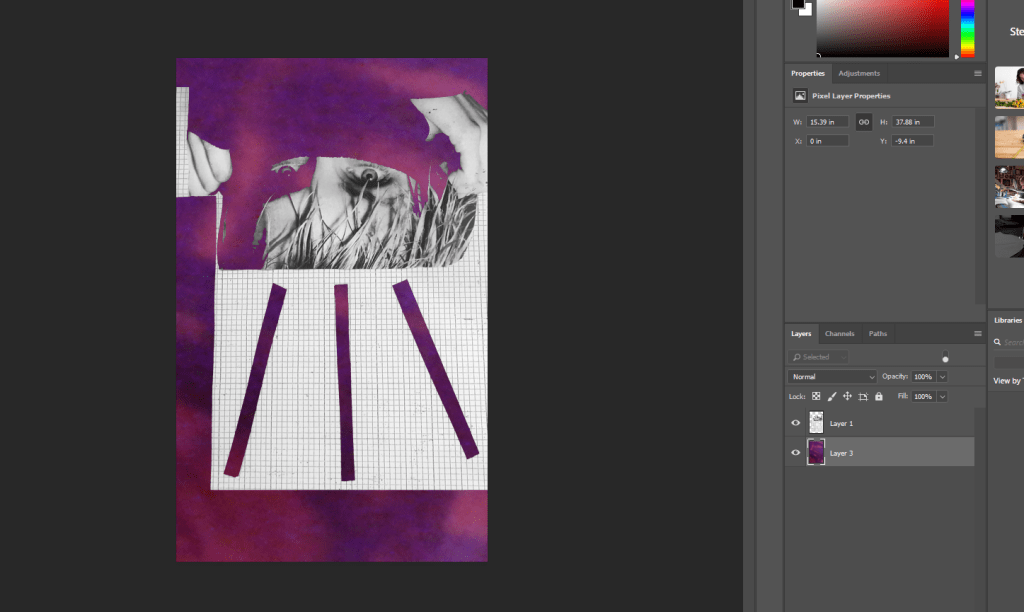
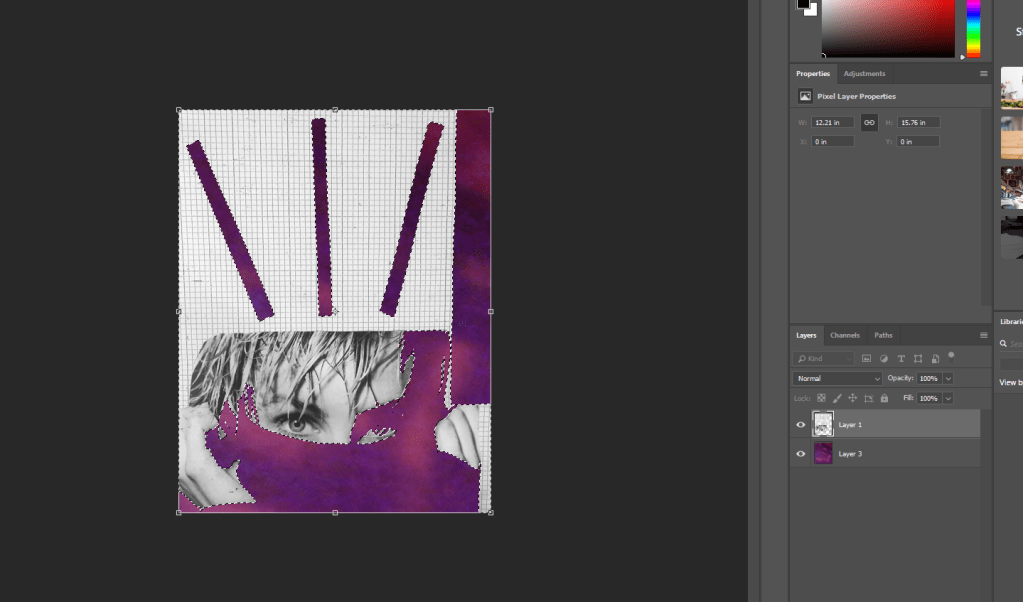
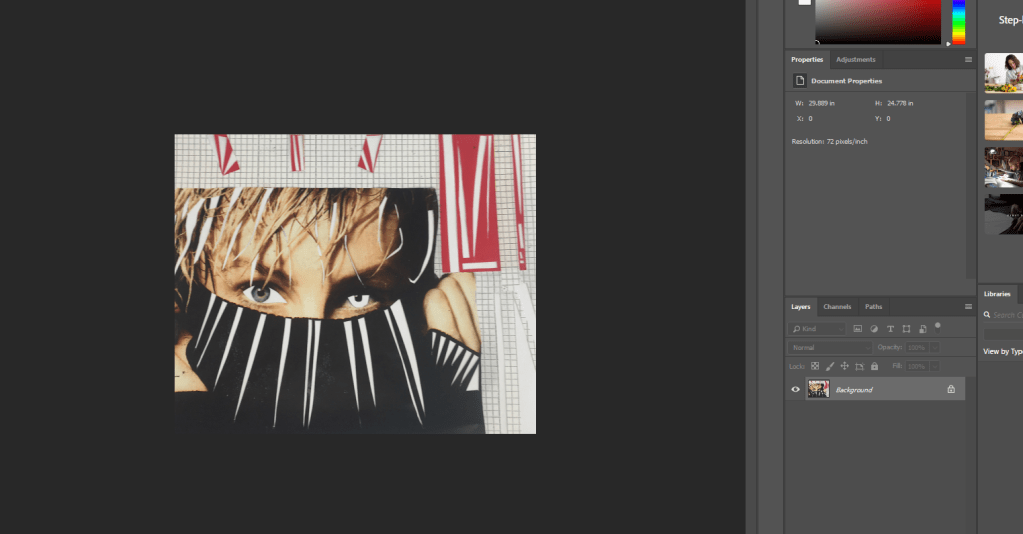
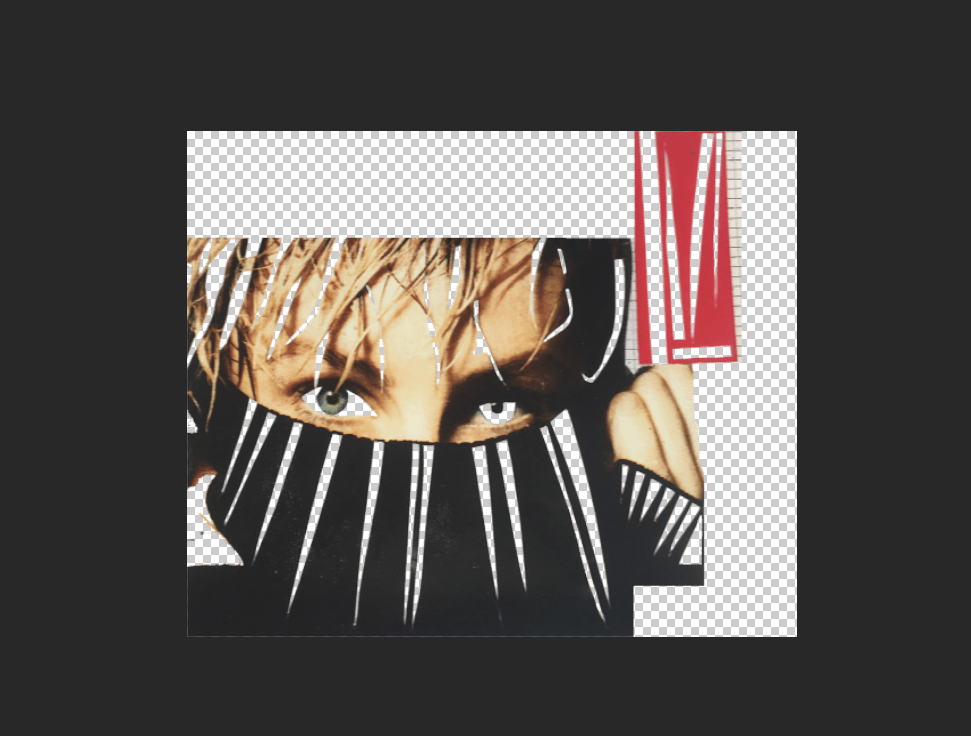
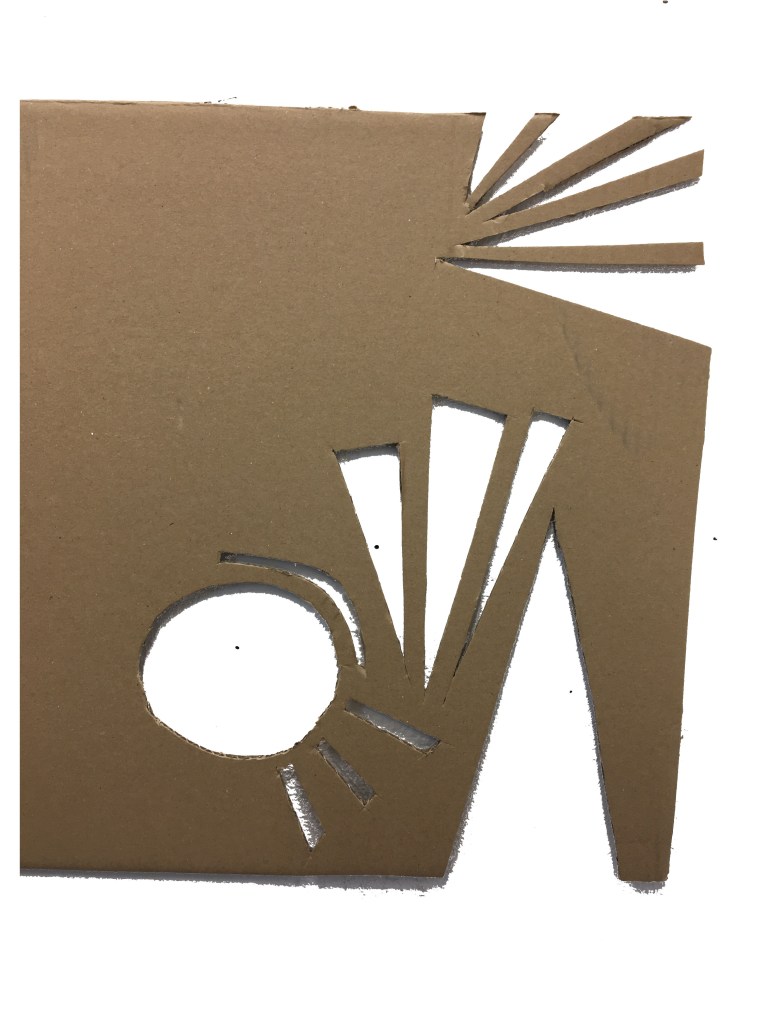
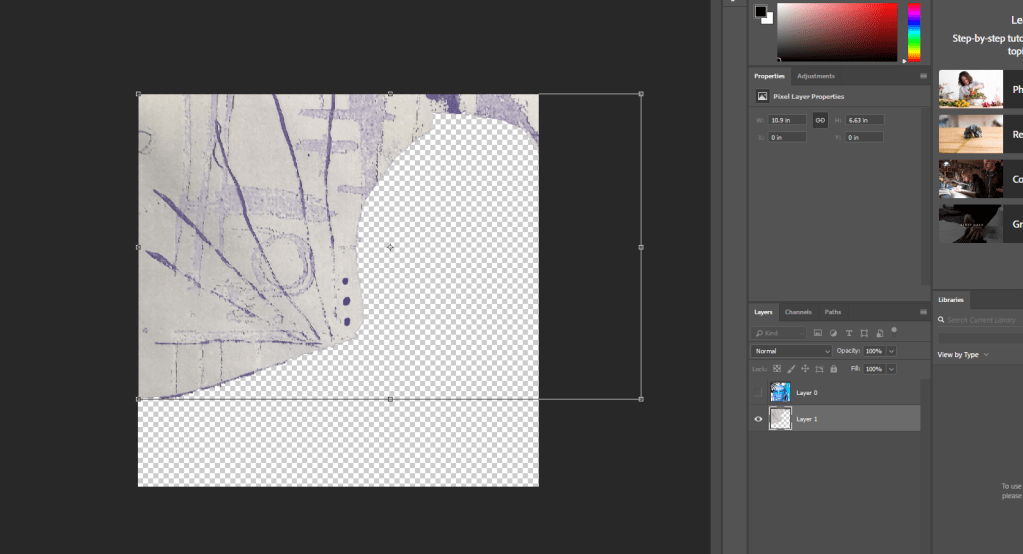
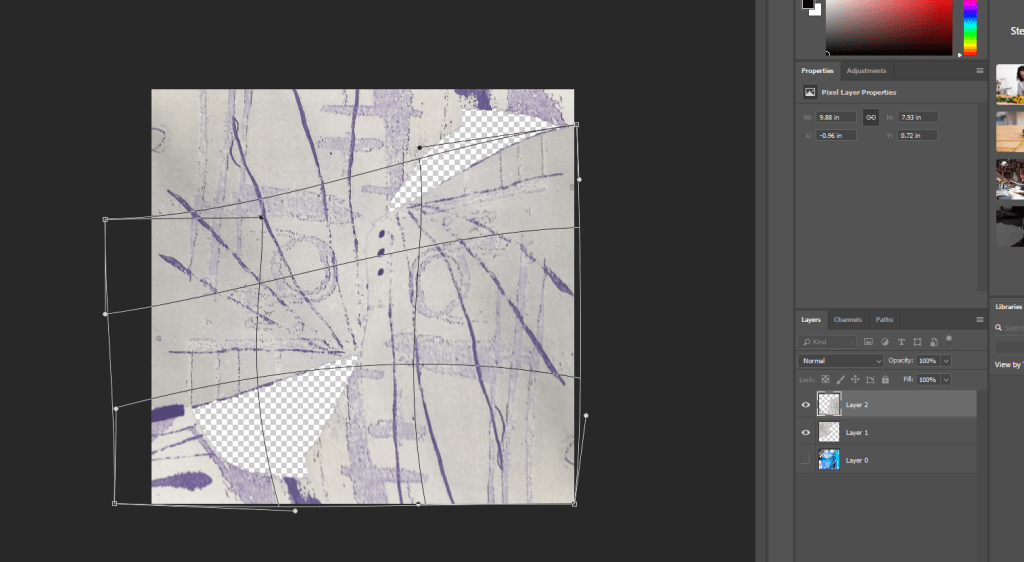
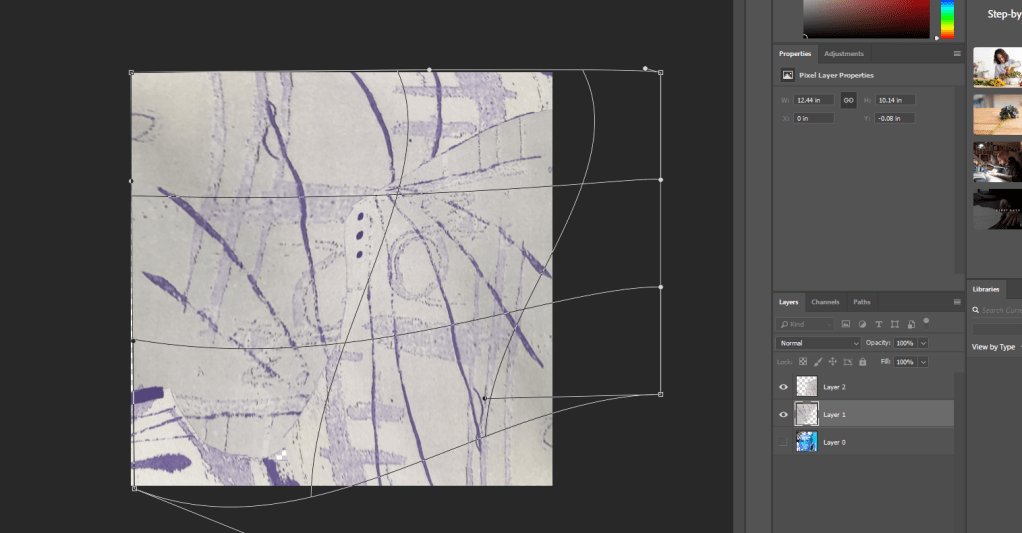
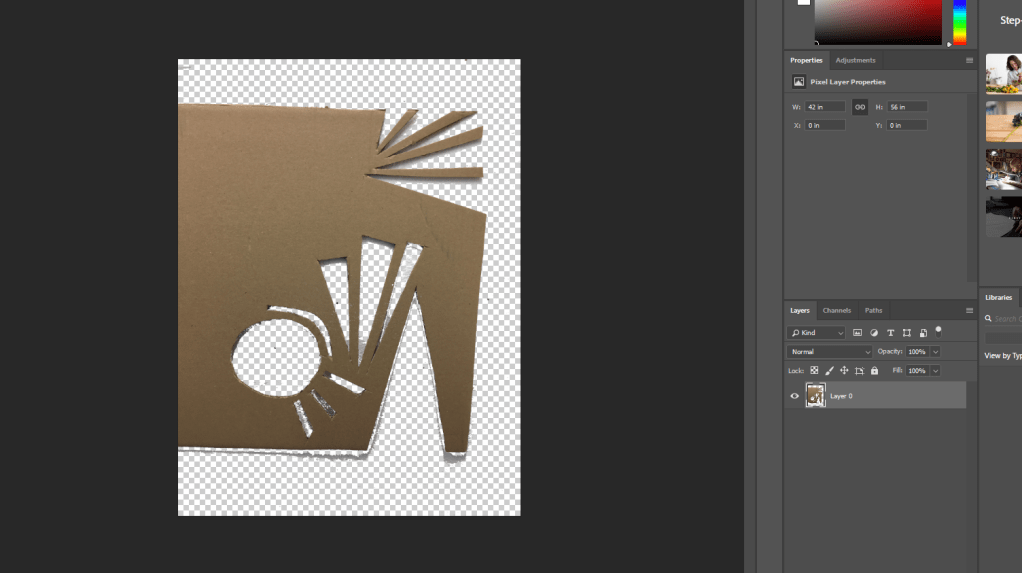
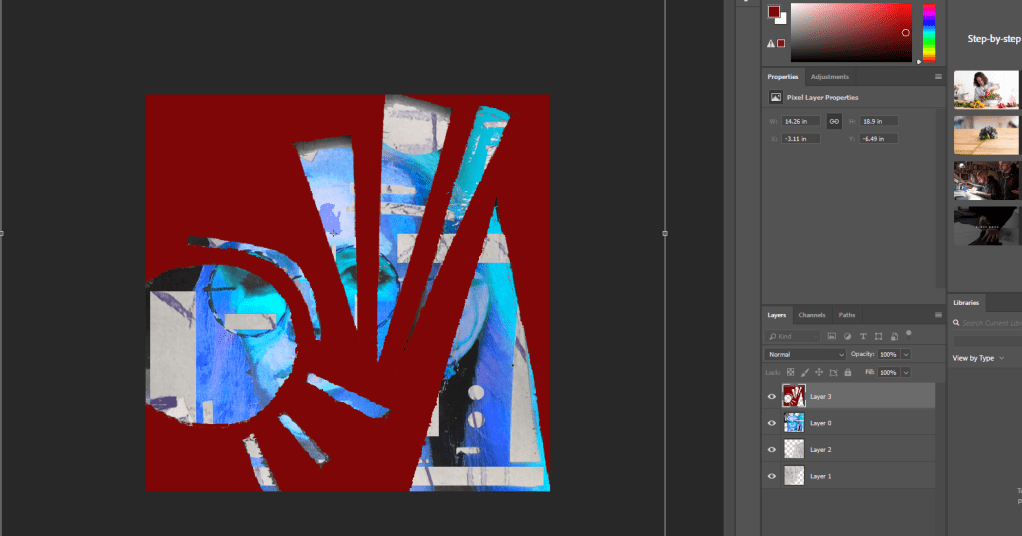
Free transform to create a frame. 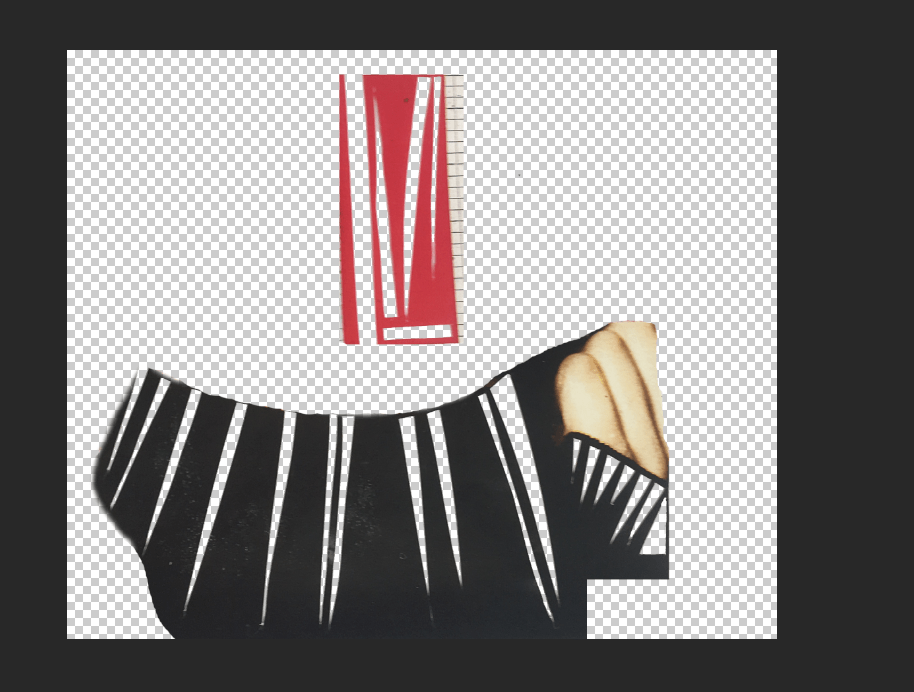
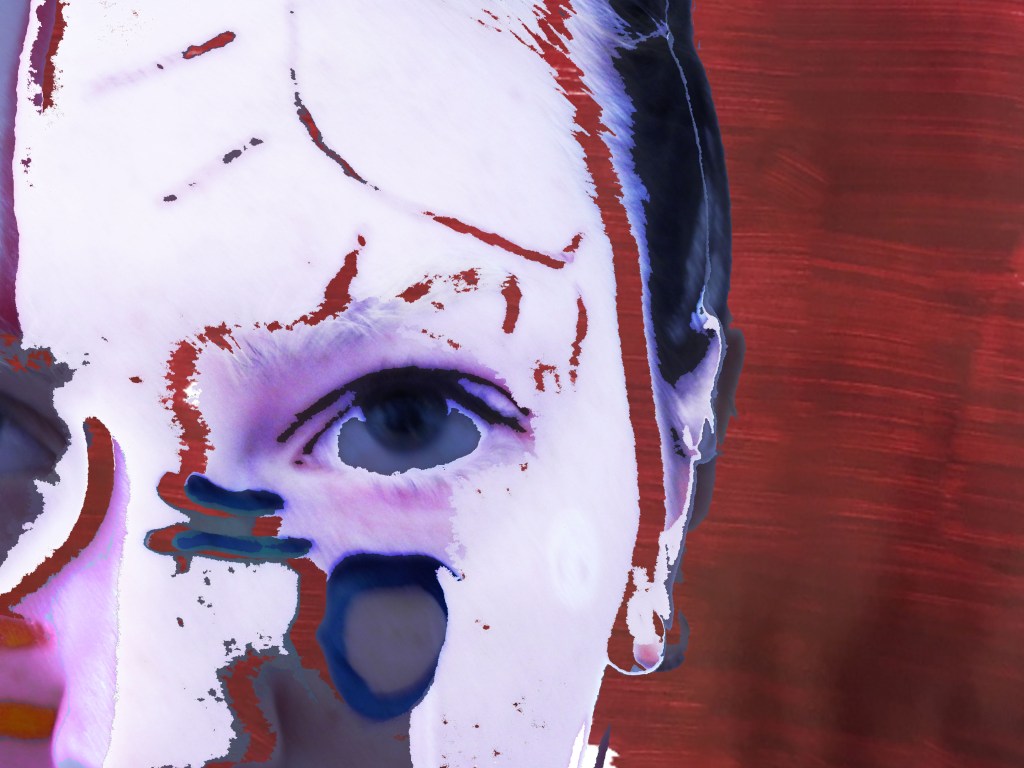
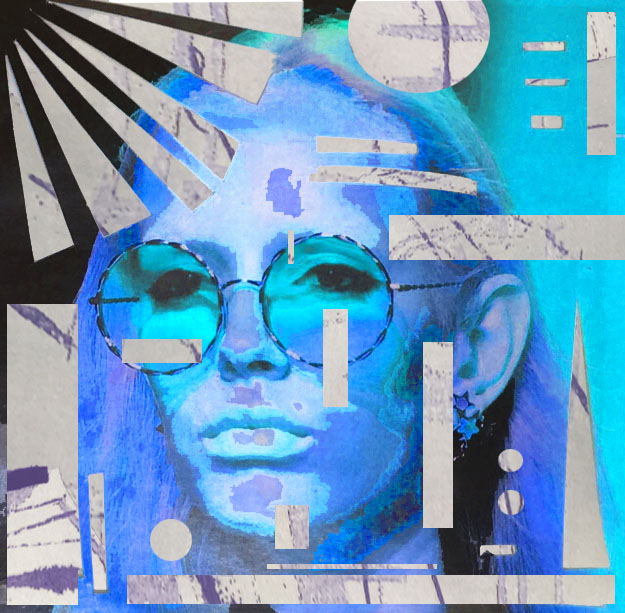
I didn’t want to be so precious and obvious in what the image originally was, so I cropped and removed parts I didn’t want to work with. 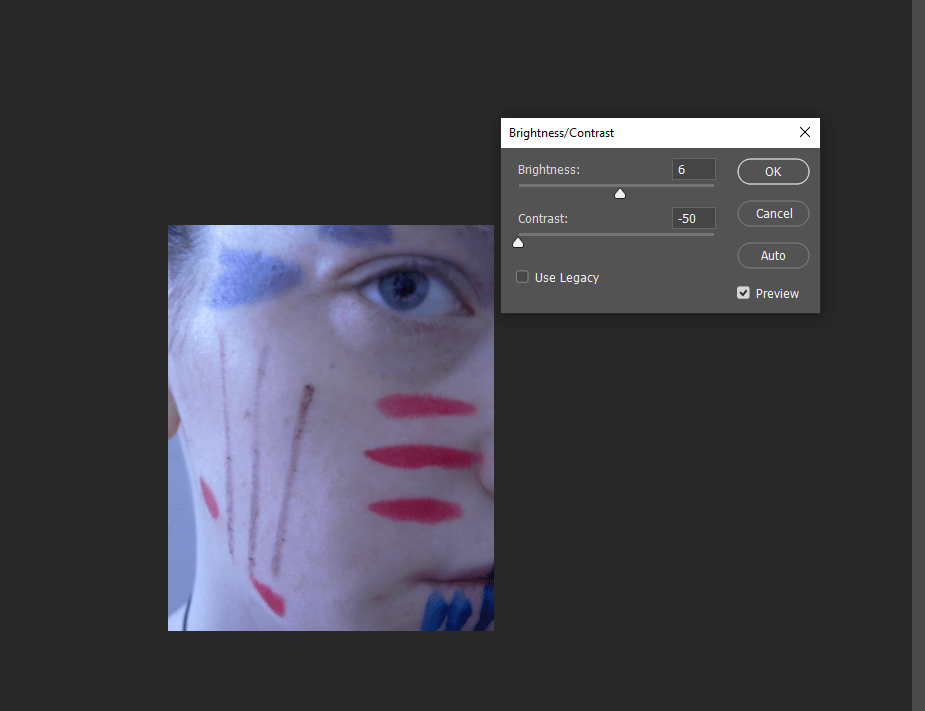
As the lighting from these images wasn’t amazing, I had to adjust the Brightness/Contrast to correct it. 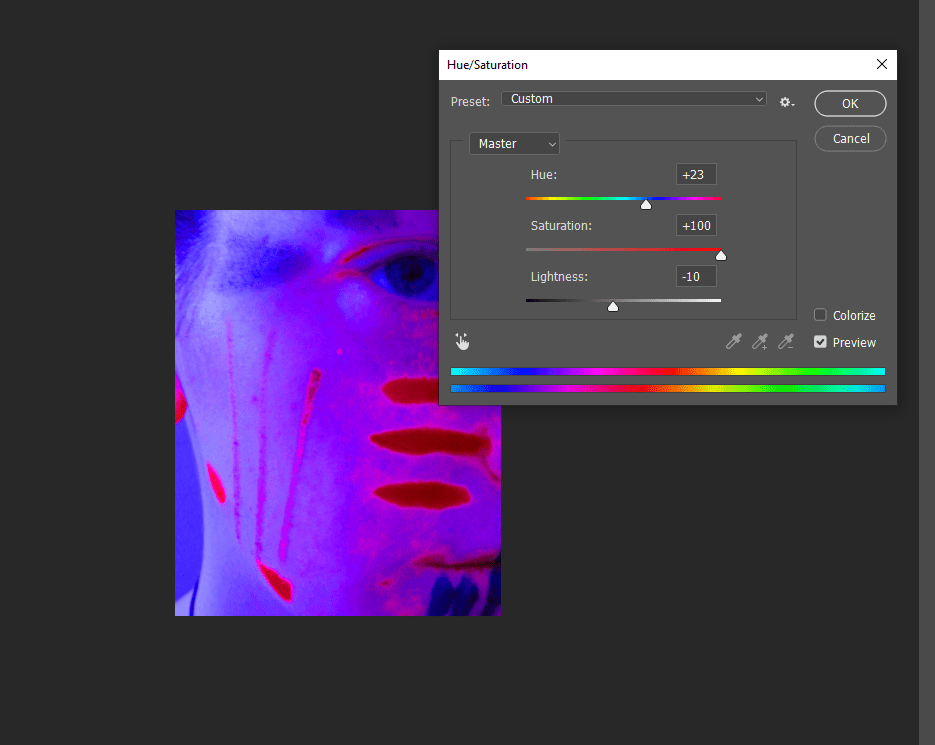
Playing with Hue/Saturation to make the image more vibrant. 
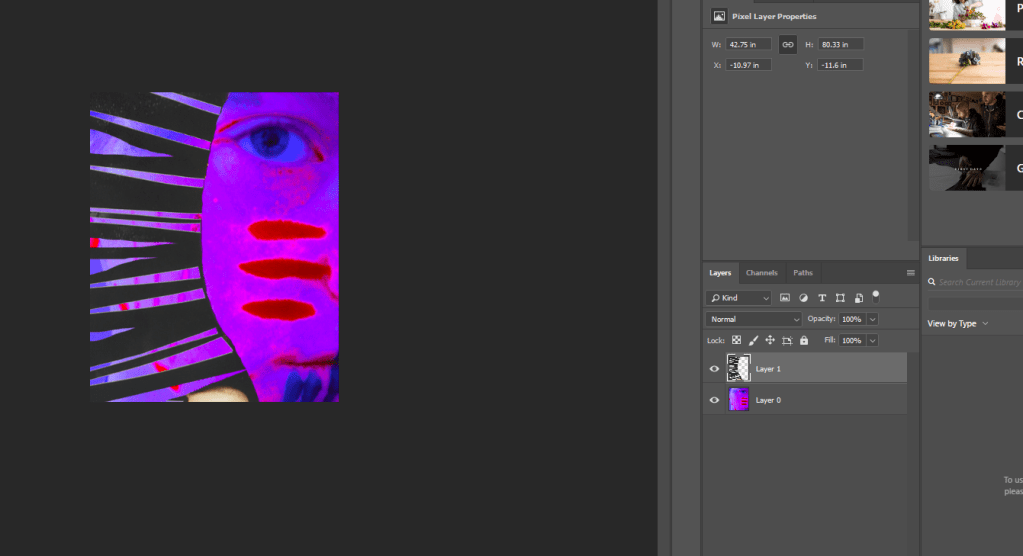
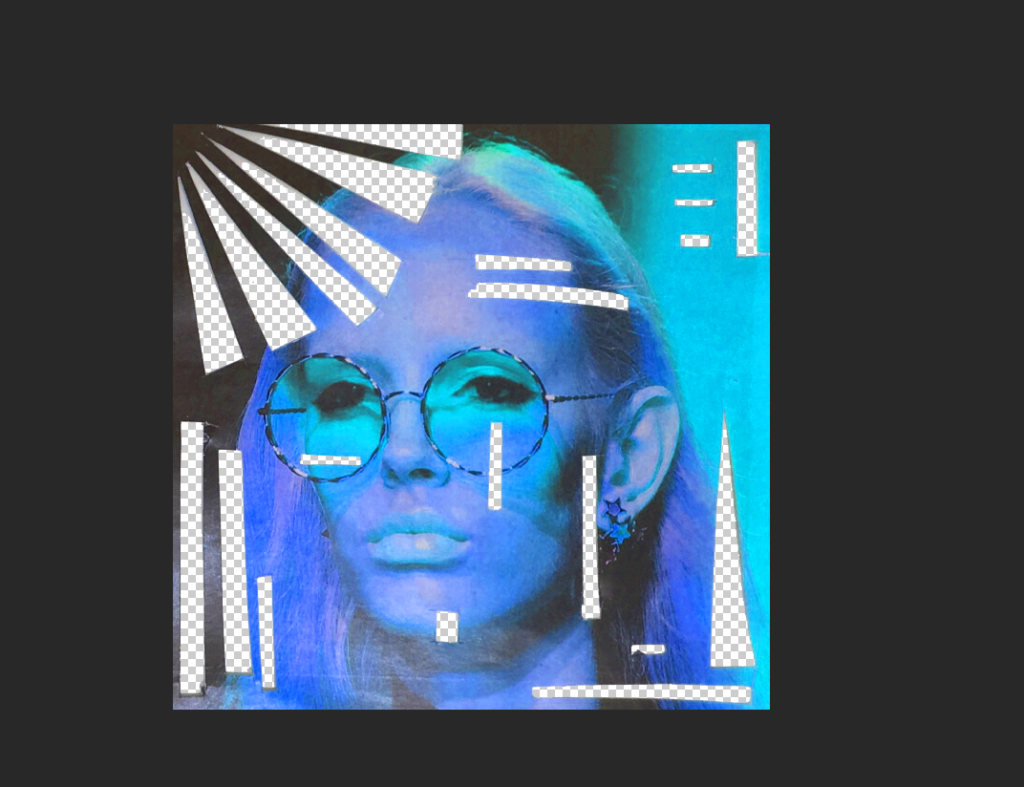
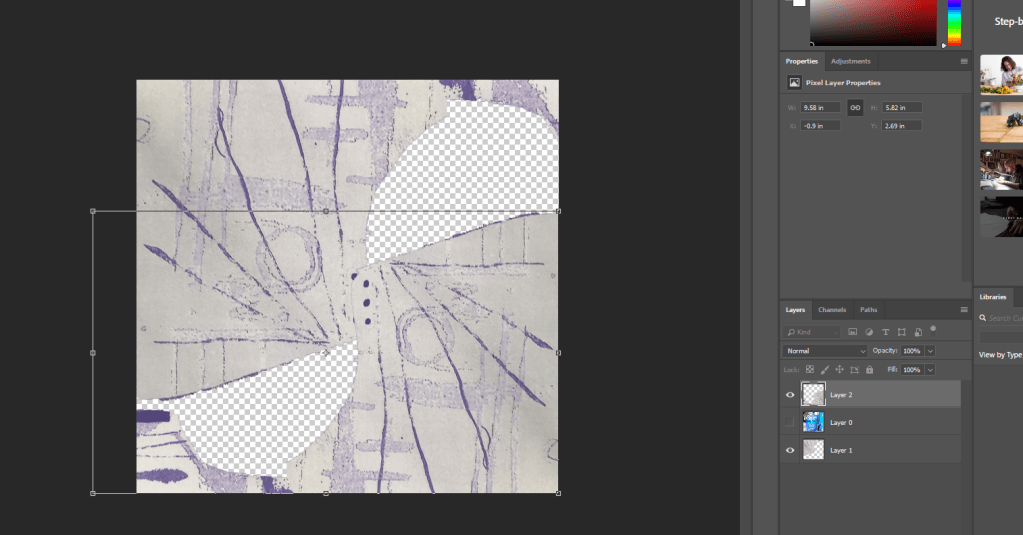
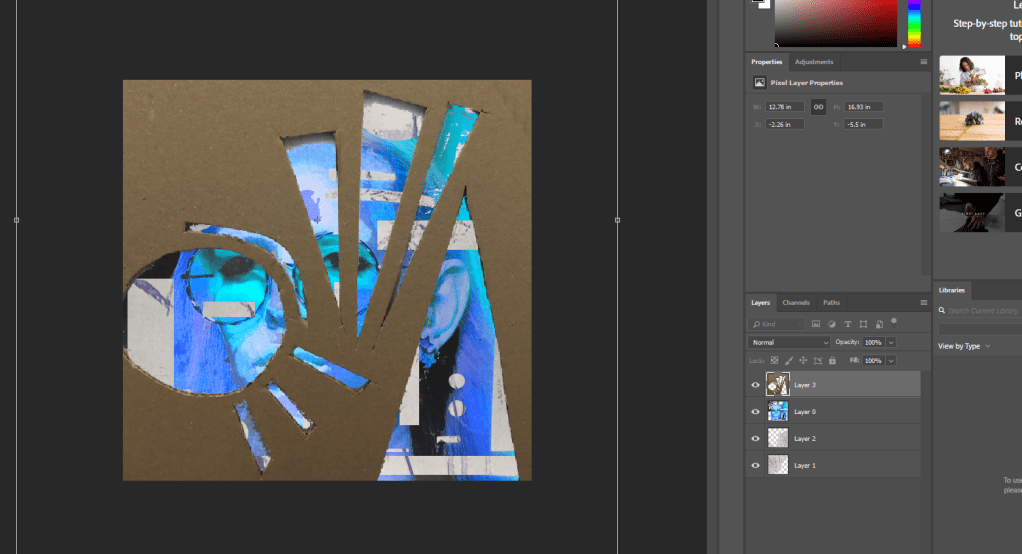
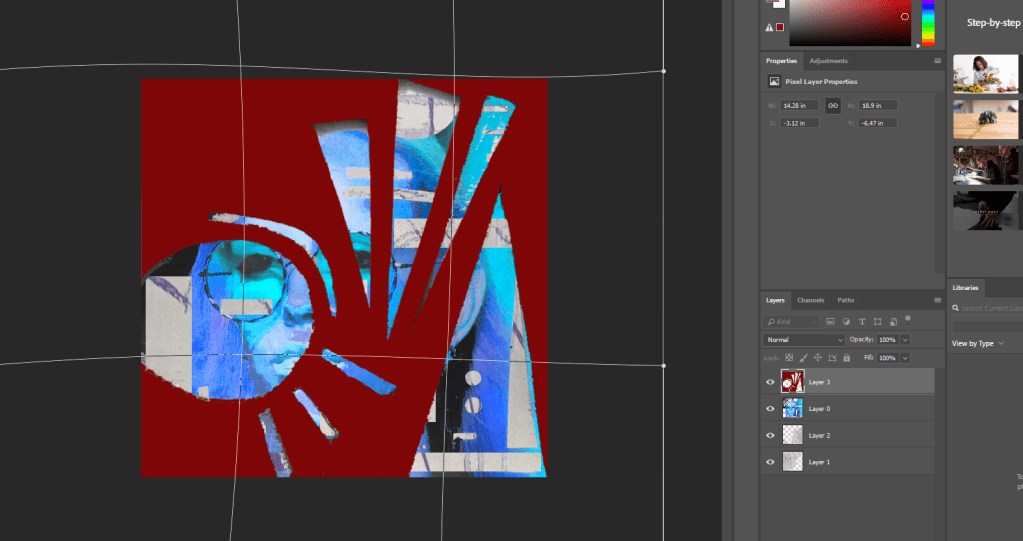
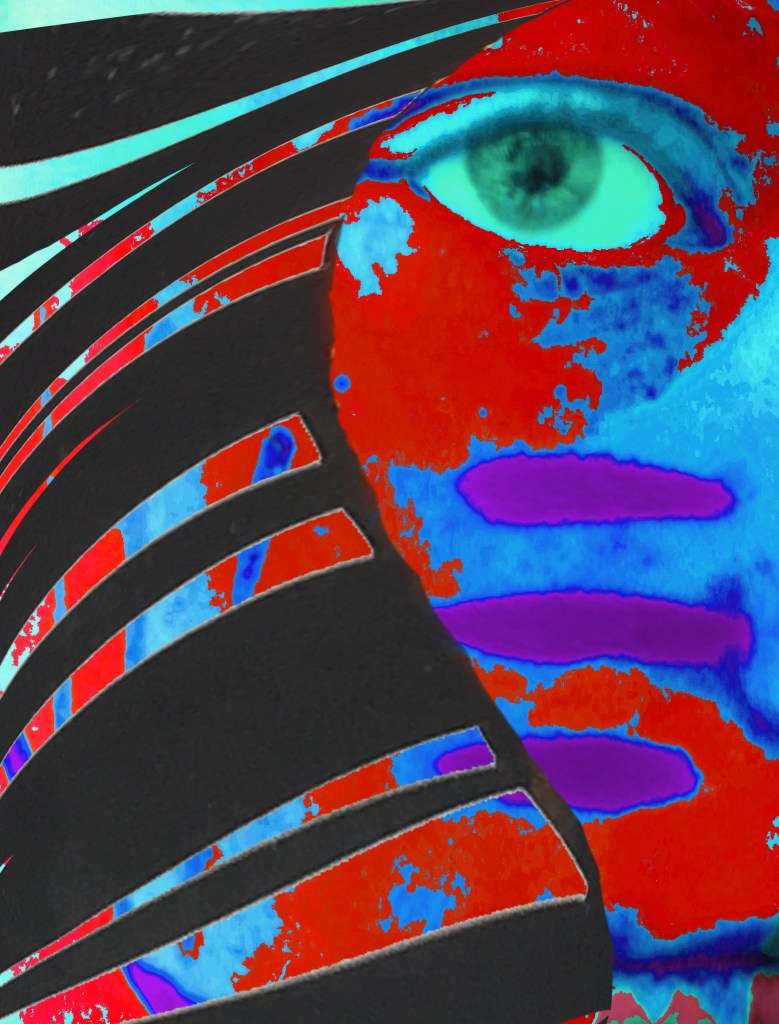
Applying the frame on top. 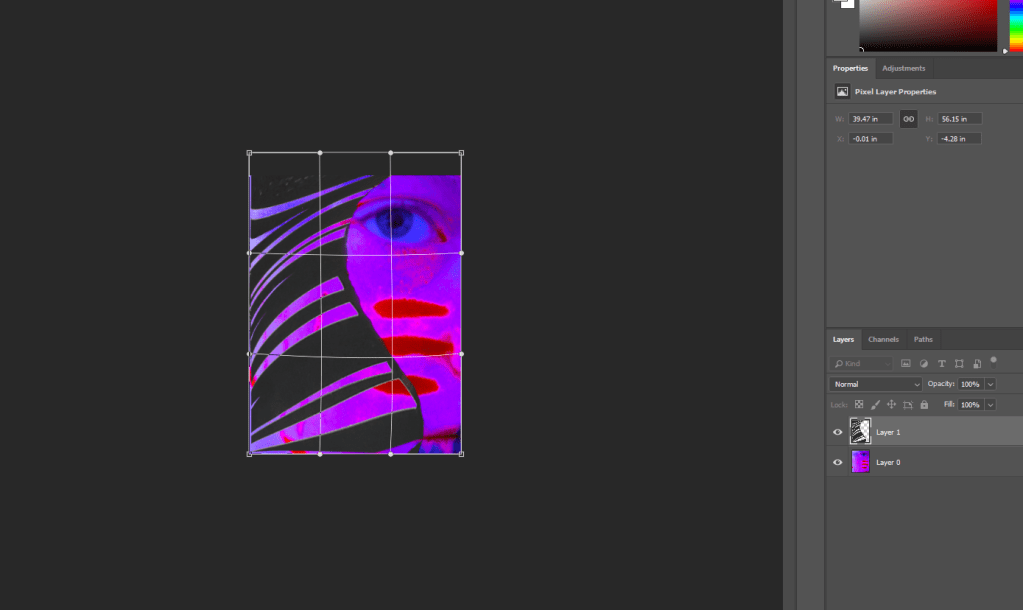
Warping the frame. 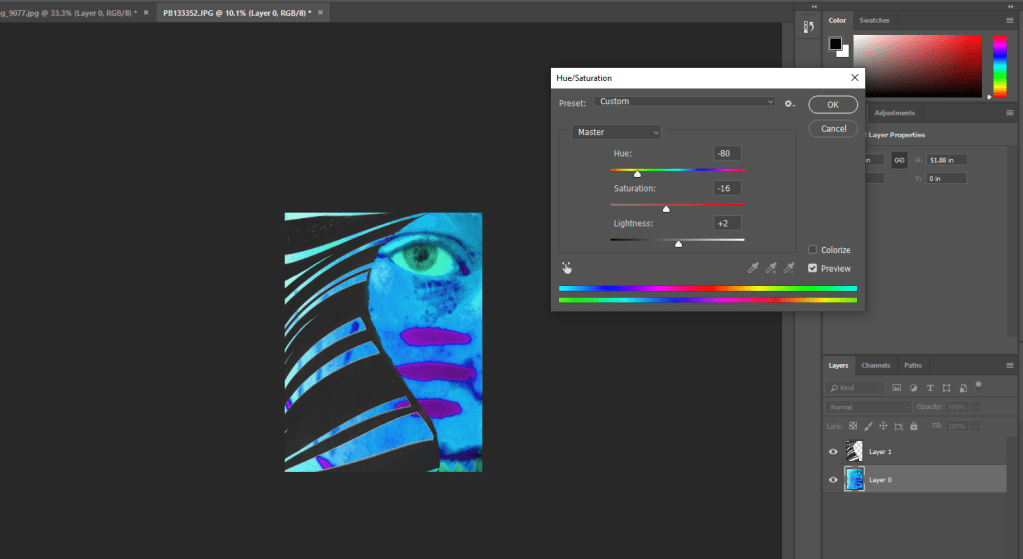
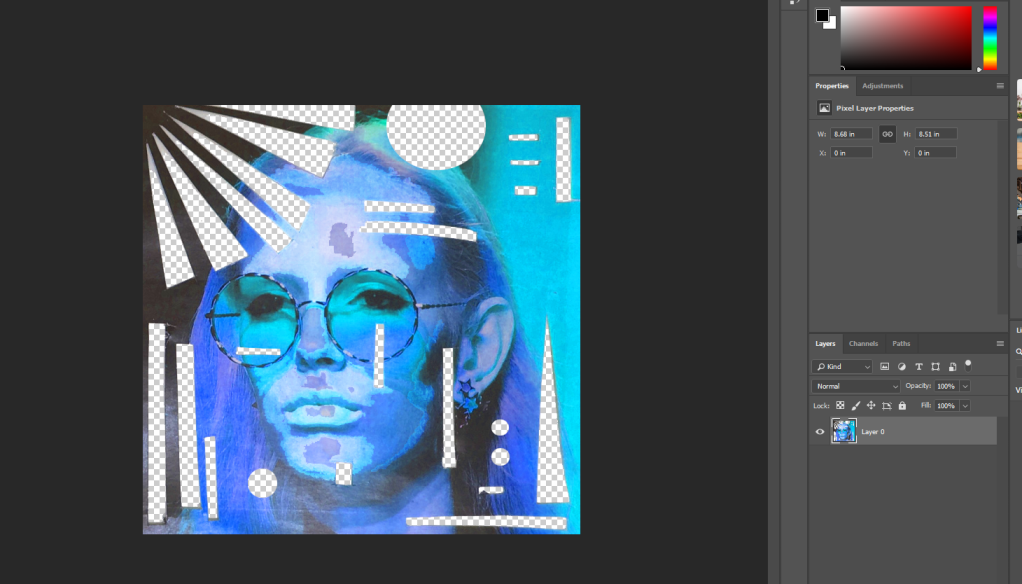
Playing around with colour again. 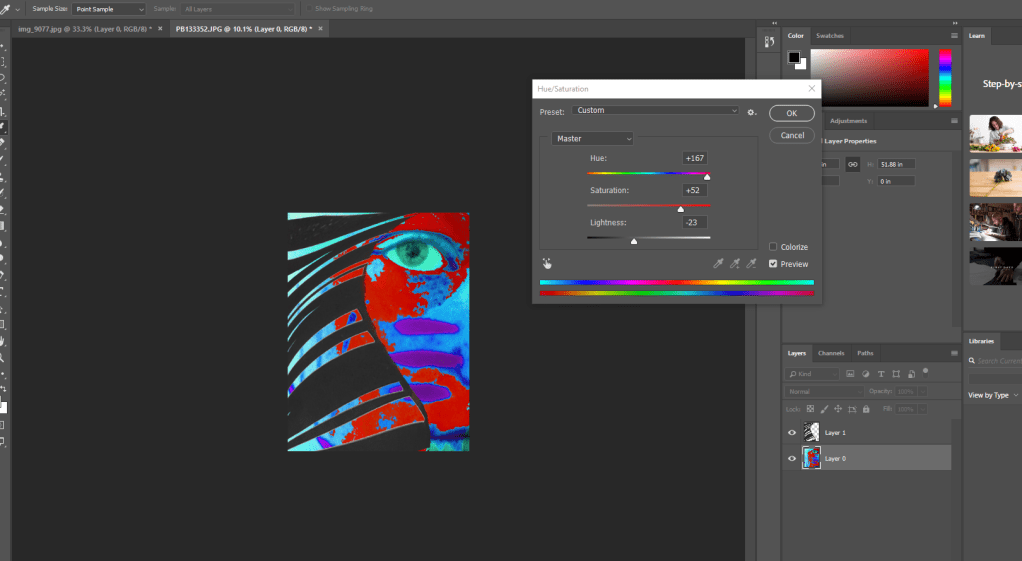
I wasn’t happy with the blue as it felt too overwhelming, so I brought in some red to calm it down.
PREMIERE
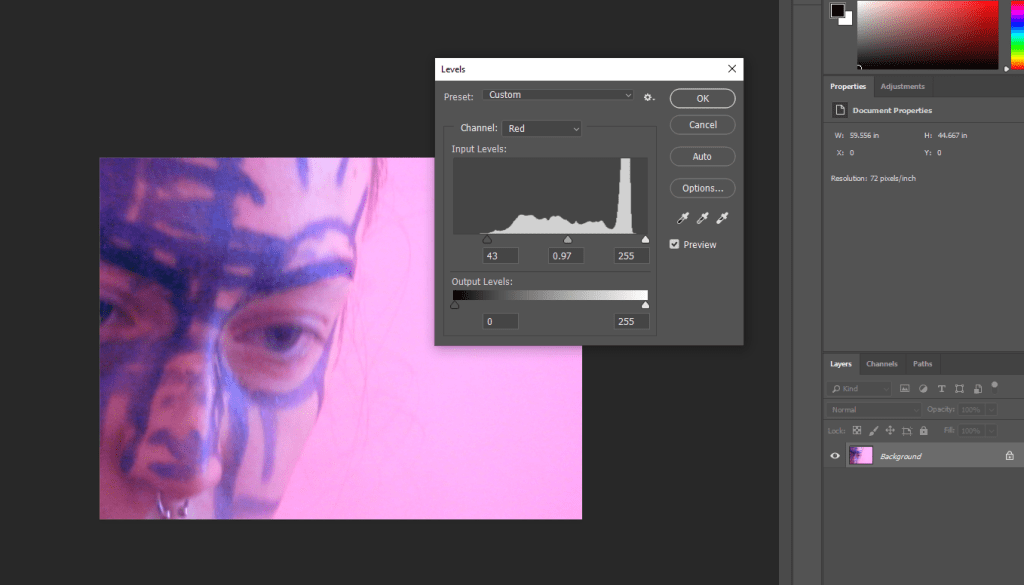
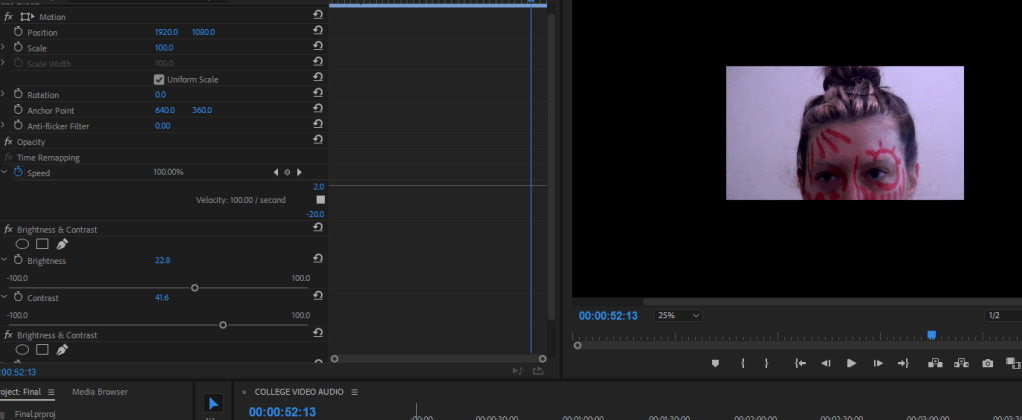
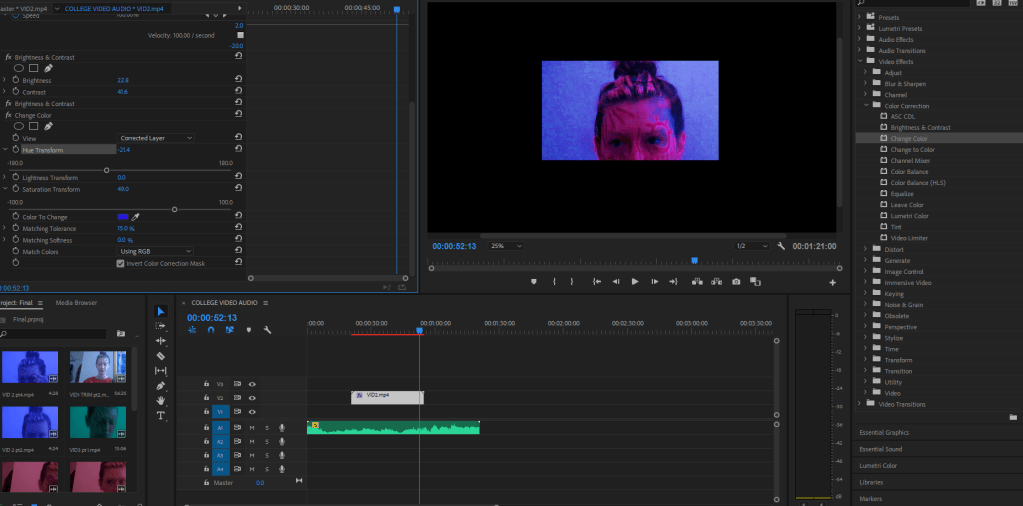
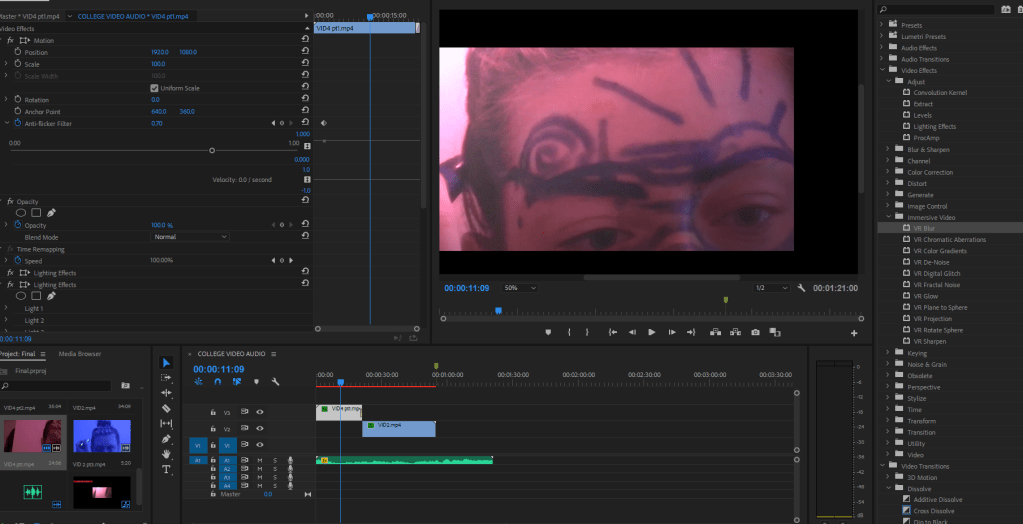
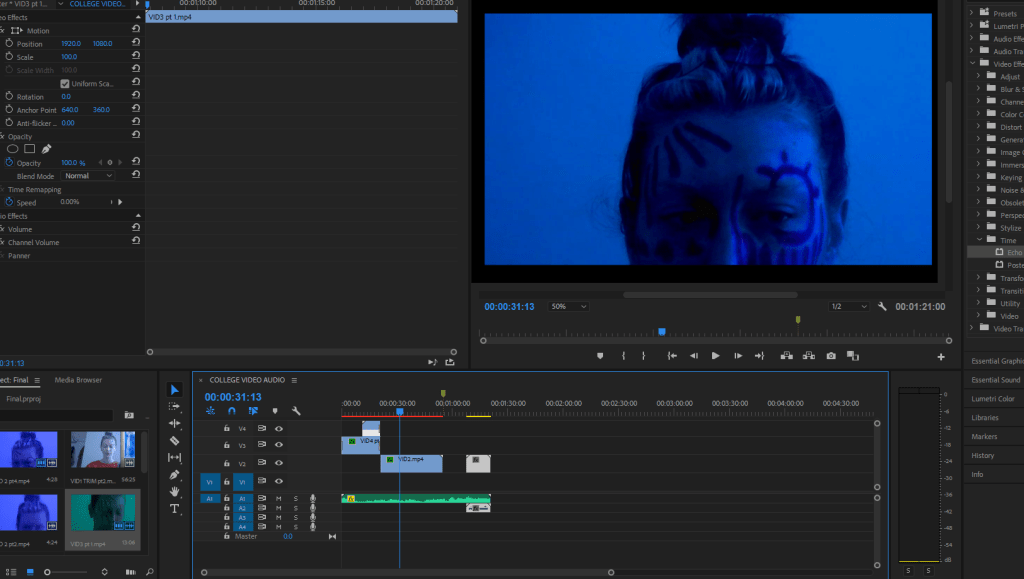
To edit video, I was instructed on how to use Premiere. I had never used it before, but as I have been getting more in to video, I was very excited. For this, I filmed 5 videos of myself putting on makeup in shapes that linked to my 2D work. I wanted to almost make myself the living version of my art.
When reflecting on my work, I felt as though it had lost its meaning. I didn’t have much of a connection to it, and it became solely about its aesthetics. After pondering over it, I thought, ‘what is more personal than myself?’ To use my own face as the model could bring back its relationship and make it feel more personal again.
I also made my own audio track using Wavepad – an audio editing program I have recently been experimenting with in my own time. I edited the audio from one of my videos and used this to accompany my final outcome. The audio consisted of whatever music I had on in the background, sounds of makeup being opened and put down on my desk, and the background noise of cars going past my window. As well as cutting these sounds together, I played around with the effects to give this warped, swirling, and almost hypnotic section between the music.
My original article which initially influenced this work was a story on sexual assault. When looking back over my videos, I selected what I thought somewhat represented my feelings on this topic – a combination of confusion, perhaps anger, and one that I relate to mostly – this idea of staring in to the distance and being stuck in your own thoughts despite the world moving around you. This is also expressed in the colours changing.

 ninamcmullanHND